


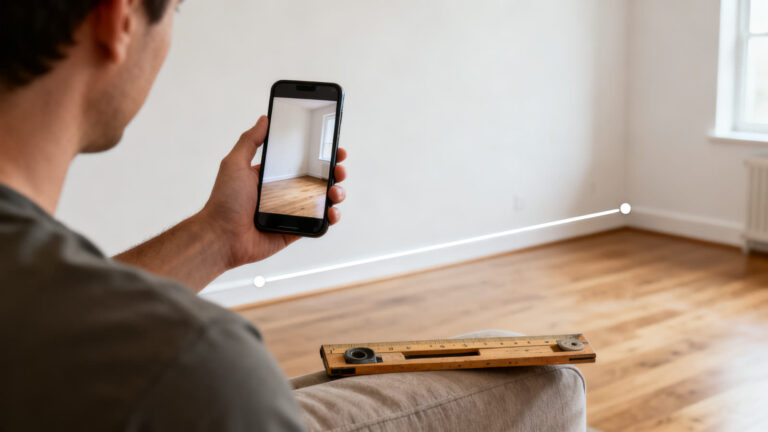
Ever stood in a store wondering whether that couch would fit your wall, with no tape measure in your pocket? Your phone can answer that, because its camera can estimate distances on its own.
Two well-known apps do this: AR Ruler and CamToPlan. Both measure through the camera. AR Ruler packs in many measuring tools, while CamToPlan is built to turn a room into a floor plan.
Here is what each app offers, what you get for free, where the ads show up and when it is smarter to reach for a real tape.
Start with AR Ruler 👇

6 min read
📋 What you’ll find here
- Can a phone really replace a tape measure?
- How a phone measures with its camera
- AR Ruler: the all-in-one toolbox
- CamToPlan: turn a room into a floor plan
- What is free and where the ads start
- How to get a better reading
Key Takeaways
- Both apps are free to download and measure through the camera, with no tape or ruler
- AR Ruler measures distance, area, perimeter, angle and height, and Google Play lists ads and in-app purchases
- CamToPlan measures a room and builds the floor plan, and Google Play lists no ads and no in-app purchases
- The CamToPlan store listing itself says accuracy is not guaranteed
- Before you cut material or buy anything, check the number with a real tape measure
Can a phone really replace a tape measure?
For a quick estimate, yes. For cutting lumber or ordering a custom piece of glass, no. These apps work out distance from what the camera sees and from the motion sensors, so the result is a good approximation, not a workshop-grade measurement.
If you only need to know whether a bookshelf fits in a hallway, a small error changes nothing. If a small error turns into wasted money, a real tape is still the answer.
How a phone measures with its camera
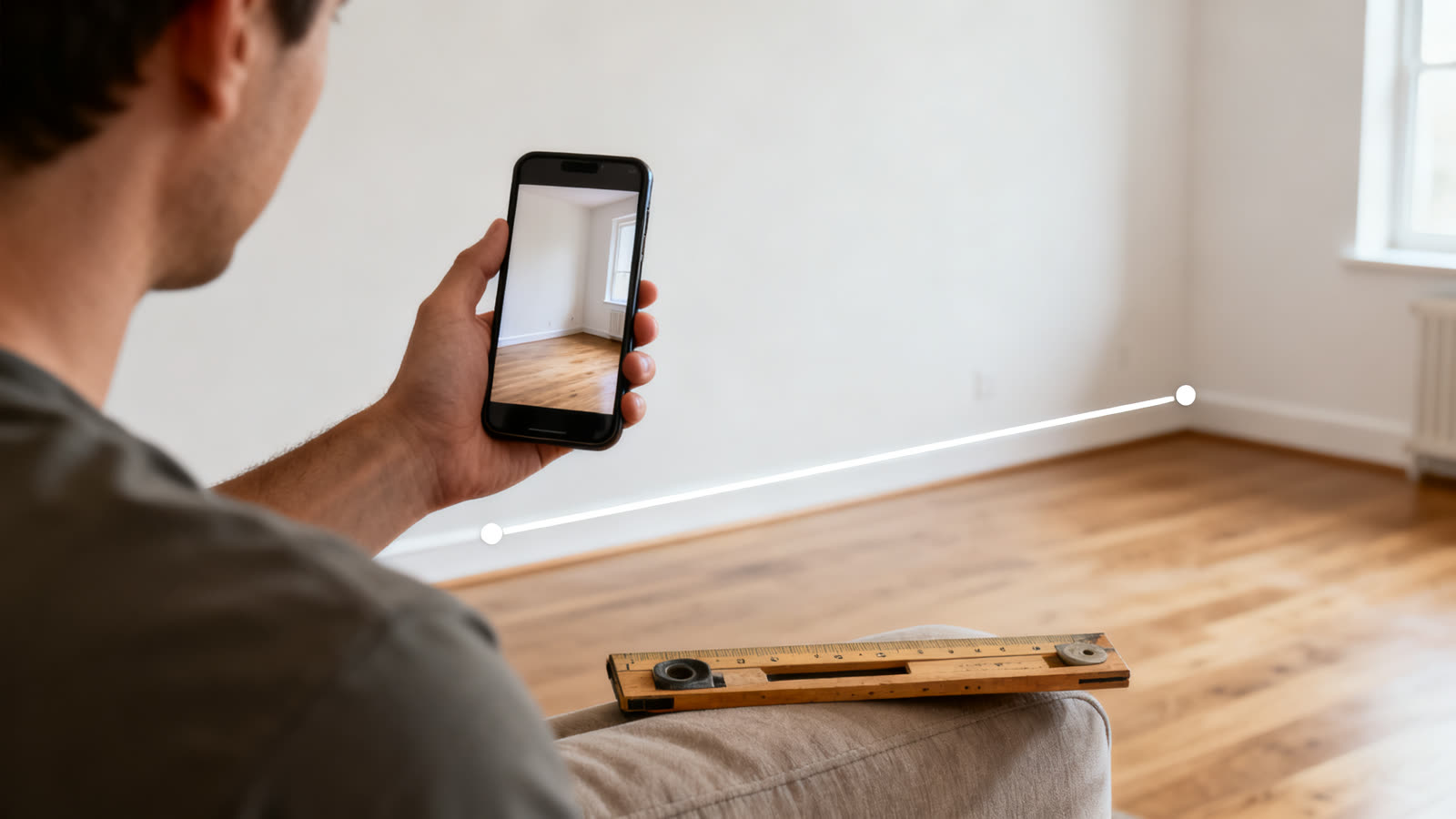
You open the app, point the camera at a wall or the floor and move the phone slowly. The app recognizes the surfaces, lets you tap a starting point and an ending point and shows the distance between them on screen.
That is why a few things change the result: the light in the room, the type of surface and how steady your hand is. Mirrors, glass and very smooth walls confuse the camera, and a dark room makes the reading worse.
AR Ruler: the all-in-one toolbox
The store listing describes AR Ruler, from Grymala, as a virtual tape measure. It works in centimeters, meters, millimeters, inches and feet, and it also calculates the area and the perimeter of a surface.
The feature list goes beyond distance: angle, height, a rangefinder and 3D scanning of objects to estimate volume. The listing says some features are only in the Core version. On Google Play, the app lists ads and in-app purchases.
- Distance, area and perimeter in several units
- Angle, height and rangefinder in the same app
- Measuring projects you can share
CamToPlan: turn a room into a floor plan
CamToPlan, from Tasmanic Editions, has a narrower goal: measure a room and draw its plan. The store listing says it measures horizontal distances, on the floor, and vertical ones, calculates the surface and draws the floor plan.
You can export the result as a PNG or as a DXF, a file type used by technical drawing programs. Google Play lists no ads and no in-app purchases. The listing warns that accuracy is not guaranteed and asks for good light, a textured floor and no reflections.
- Floor plan of a room built from the camera
- Export as PNG and as DXF
- Store warning: accuracy is not guaranteed

What is free and where the ads start
Both apps are free to download. AR Ruler shows up on Google Play with ads and in-app purchases, and part of its tools sit in the Core version. CamToPlan shows up with no ads and no in-app purchases.
That does not make one better. AR Ruler has more tools, so it also has more to unlock. If you just want to measure a wall, start with the one that does not charge and move on only if a tool is missing.
Check the terms in your own store, because the iPhone listing can show different details than the Android one.
How to get a better reading
A few habits help with both apps. Measure in good light, either daylight or a lit room. Stay away from mirrors, windows and shiny surfaces, which fool the camera.
Move the phone slowly so the app can find the floor and the walls, and place your points with care. Measure twice and compare: if the numbers are far apart, the reading is not reliable.
- Good light and a floor with some texture
- Slow movements before placing the first point
- Two readings to compare
When a real tape still wins
Use a real tape when the number decides a purchase or a cut: custom curtains, flooring, glass, built-in cabinets. In those cases the phone gives you an idea and the tape confirms it.
The phone shines when you are unsure: checking whether the fridge clears the doorway, comparing two pieces of furniture in a bedroom, sketching a room to take to the store. It answers the quick question, not the whole project.
How the ratings compare
On the US App Store, CamToPlan has a 4.7 rating from more than 16,000 reviews, and AR Ruler has a 4.6 from fewer than 1,000. On Google Play, AR Ruler shows a 4.5 with about 256,000 ratings and over 10 million downloads, and CamToPlan shows a 4.6 with about 7,900 ratings and over 100,000 downloads.
A high score means the app works for the people who use it. It does not tell you which one fits your job.
Which one to pick
If you want a bit of everything, such as a wall, an angle or the height of an object, AR Ruler has more tools. If your goal is to map a room and carry the plan to the store, CamToPlan does it more directly and with no ads.
Nothing stops you from keeping both. Use one day to day and the other when you need a plan.
How to download them and take a first measurement
Use the buttons in this article, which lead straight to the official listing on Google Play or the App Store. After installing, the app asks for camera permission, and without it nothing can be measured. Check the listing to see whether your model is supported.
On your first try, measure something whose size you already know, such as a sheet of letter paper, to see how close the result gets before you rely on it.
Is it worth it?
It is worth having as a support tool. For everyday estimates, both are free to start with. For measurements that cost money, confirm with a real tape measure.
This article is informative and independent. The ratings, review counts and downloads were checked on the stores on October 24, 2026. We have no connection with the developers mentioned, and we are not responsible for how the apps work, for how accurate the measurements are or for changes in price. The store listing is always the final source.
Keep reading 👇
GPS Speedometer App: How Your Phone Reads Speed ›
Car Scanner App: What Your Check Engine Light Means ›
Phone Battery App: The Right One for Android and iPhone ›
FAQ
Is a phone tape measure accurate?
It works as an estimate. The CamToPlan listing itself says accuracy is not guaranteed, and the result depends on light, surface and how you move the phone. To cut or buy, check with a real tape.
Do I have to pay to measure?
Downloading both is free. AR Ruler lists ads and in-app purchases, and some tools sit in the Core version. CamToPlan lists no ads and no in-app purchases on Google Play.
Does it work on any phone?
Both have an Android and an iPhone version, but measuring through the camera depends on the phone’s sensors. Check the store listing to see whether your model is supported.
Can I measure a whole room?
CamToPlan is built for that: it measures the distances in the room, calculates the surface and builds the plan. AR Ruler also calculates area and perimeter.
What is a DXF file?
It is a file type used by technical drawing programs. CamToPlan exports the result in it and also as a PNG.
What if the result looks wrong?
Improve the light, avoid reflections, move the phone more slowly and measure again. If it still looks off, use a real tape.
