
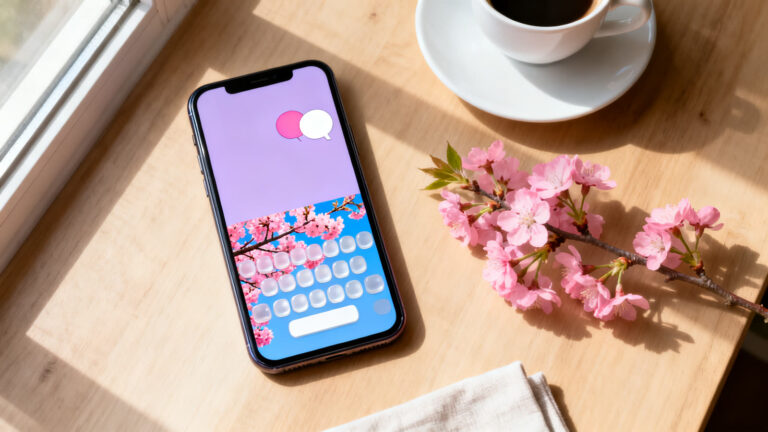
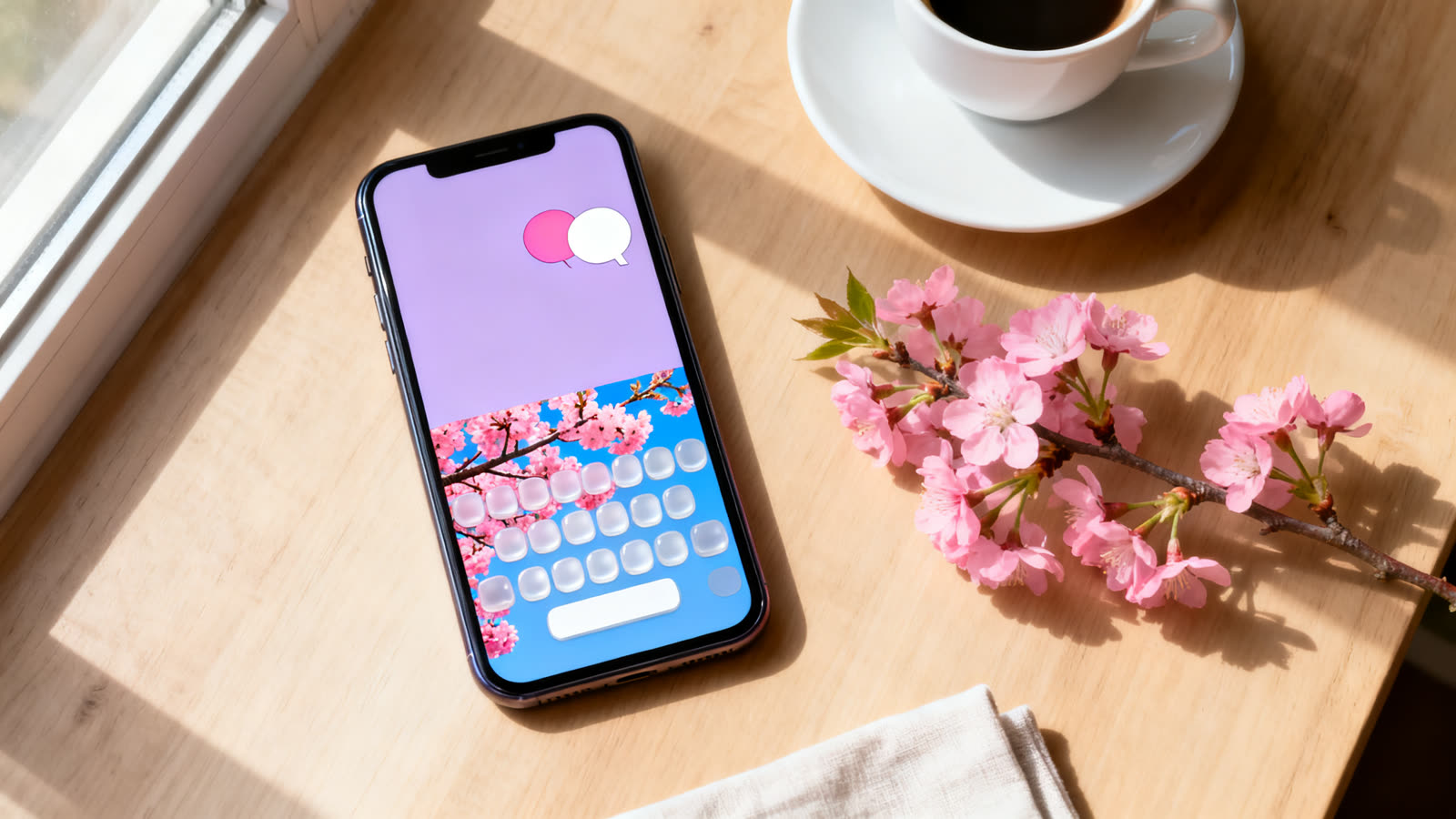
You open a chat and the keyboard looks the same as always, gray and identical to everyone else’s? You can change that without buying a new phone: colors, a photo background, different fonts and a shortcut to emoji and stickers all fit in a keyboard app.
You install the app, pick the new keyboard in your phone’s settings, and it shows up everywhere you type, from messages to email. Your chat app stays the same; what changes is your own screen.
We compare three options found in both app stores: Gboard, Microsoft SwiftKey and Facemoji. We explain what each one changes in the look, what you pay for and what you authorize when you turn on a keyboard made by another company.
Start with Gboard 👇

6 min read
📋 What you’ll find here
- What a custom keyboard changes on your phone
- The permission every keyboard asks for
- Gboard: the Google keyboard
- Microsoft SwiftKey: free themes and AI in the keyboard
- Facemoji: the biggest change in look, and where you pay
- What is free and what is paid
Key Takeaways
- Gboard, Microsoft SwiftKey and Facemoji are free to download and have versions for Android and iPhone
- Facemoji changes the look the most, but some themes and fonts are paid or ask you to watch an ad
- On the U.S. App Store, the SwiftKey themes listed as purchases cost US$0.00
- Every third-party keyboard asks for permission and can read what you type: check the privacy policy first
- Gboard for iPhone has not been updated since May 2022, according to the App Store
What a custom keyboard changes on your phone
A theme changes the color of the keys, the background and, in some apps, the sound and effect of each tap. All of that appears only on your screen: the person who gets your message sees plain text, in the look of their own phone.
Decorative fonts are the exception. They swap regular letters for special symbols, so they arrive that way on the other side. Not every app or phone can show all of those symbols, and some letters may appear as little boxes.
The permission every keyboard asks for
A keyboard from another company only works after you authorize it, and it has access to everything you type. On Android, the system warns you when you turn it on: the keyboard may be able to collect the text you type, including passwords and card numbers.
On iPhone, besides adding the keyboard, many features only work with Allow Full Access turned on. The system warning says this lets the developer transmit what you type. Without it, downloaded themes and GIFs usually stay off.
In password fields, the iPhone switches back to the system keyboard on its own. Even so, before you install, read the app’s privacy policy and the privacy section of the store listing. If you are not comfortable, keep your phone’s own keyboard.
Gboard: the Google keyboard
On many Android phones, Gboard already comes installed as the default keyboard. On Google Play it has a 4.5 rating from 18.9 million reviews and more than 10 billion downloads. Its themes are simpler than the others’: colors, landscapes and the option to use one of your photos as the background.
The App Store description highlights glide typing and emoji and GIF search. The same page says Gboard does not send Google what you type, except your searches and what you say by voice.
On iPhone there is a point to watch: the U.S. App Store shows a 4.1 rating from about 60.7 thousand reviews, and the latest version is from May 2022. The app works, but it has not received anything new in years.
Microsoft SwiftKey: free themes and AI in the keyboard
SwiftKey belongs to Microsoft and shows a 4.3 rating on Google Play, with 4.6 million reviews and more than 1 billion downloads. The Android listing says the app contains ads. On iPhone, the rating is 4.6 from 122 thousand reviews in the U.S., and the latest version came out in October 2026.
The store promises dozens of themes, emoji and GIFs, and says the keyboard learns the emojis you use most. There are also AI features, such as Copilot and changing the tone of a message.
On the U.S. App Store, the themes shown in the purchase list cost US$0.00. iPhone users report that glide typing only works with Allow Full Access turned on.

Facemoji: the biggest change in look, and where you pay
Facemoji, from NEXILEAP, is the one most focused on appearance. On Google Play it has a 4.7 rating from 1.5 million reviews and more than 100 million downloads; on iPhone, 4.7 from 523 thousand reviews in the U.S. The store lists themes, decorative fonts, key-press effects, more than 6,000 emojis, stickers, GIFs and an AI assistant.
The paid side is large. The Android listing shows ads and in-app purchases, and some themes and fonts only unlock if you pay or watch an ad. On the U.S. App Store, the subscription is listed at US$4.99 a week or US$14.99 a month.
Recent U.S. reviews complain about charges. Before you tap any premium theme button, read the price screen and check whether it is a one-time purchase or a subscription that renews on its own.

What is free and what is paid
The table sums up what the listings showed on November 3, 2026. Prices vary by country and may change.
| App | Free | Paid |
|---|---|---|
| Gboard | Themes, glide typing, emoji and GIFs | The App Store lists no purchases |
| SwiftKey | Themes, emoji, GIFs and AI; ads on Android | Themes listed at US$0.00 on iPhone |
| Facemoji | Some themes and fonts, with ads | Weekly or monthly subscription for themes, fonts and VIP |
How to turn on the new keyboard
After you install it, the app usually opens a step-by-step guide. If it does not, the manual path is short, though on Android it changes a little from brand to brand:
- Android: Settings, System, Keyboard or On-screen keyboard, then turn on the new keyboard
- iPhone: Settings, General, Keyboard, Keyboards, Add New Keyboard
- On iPhone, turn on Allow Full Access only if you want the features that depend on it
- To switch keyboards, tap the globe or keyboard icon while you type
How to make the keyboard yours without paying
Start with the free themes and a photo background, which Gboard and SwiftKey offer at no charge. Choose an image with little detail behind the letters: a very busy background tires your eyes and makes you mistype more.
If you like a paid theme, check whether it is worth the subscription. If you subscribe and change your mind, you cancel in the subscriptions area of Google Play or the App Store, not inside the keyboard.
Which one to choose
If you want something light with no purchases, Gboard does the job on Android. For free themes and AI on both systems, SwiftKey is the most balanced. For the boldest look, Facemoji has the most options, as long as you accept the ads and keep an eye on what is paid.
This article is informative and independent. Ratings, reviews and prices were checked on Google Play and the U.S. App Store on November 3, 2026. We have no connection with the developers mentioned, and we are not responsible for how the apps work, for how they use your data or for changes in price. The store listing is always the final source.
Keep reading 👇
Phone Battery App: The Right One for Android and iPhone ›
Free Up Phone Storage: The Right App for Android and iPhone ›
Digital Tape Measure App: AR Ruler or CamToPlan ›
FAQ
Does a custom keyboard read what I type?
It has access to what you type, because the text goes through it. Android warns you about this when you turn it on, and on iPhone Allow Full Access lets the developer transmit the text. Read the app’s privacy policy before you install it.
Does the person I text see my theme?
No. Colors, background and effects appear only on your screen. Only decorative fonts reach the other side, and not every phone shows all of them.
Do I have to pay to change the theme?
No. Gboard and SwiftKey have free themes, and Facemoji has a free part. In Facemoji, many themes and fonts are paid or ask you to watch an ad.
Do all three work on iPhone?
Yes, all three are on the App Store. Keep in mind that Gboard for iPhone has not been updated since May 2022.
How do I go back to my old keyboard?
Tap the globe or keyboard icon while you type, or turn the app off in your phone’s keyboard settings. Then you can uninstall it if you like.
