
Your phone still sounds quiet at full volume, and videos, music or voice messages are still hard to hear? Before you buy a speaker, it helps to know what an app can do and what no app can.
Volume booster apps raise the audio signal that goes to the speaker. That makes the sound louder up to a point. Past that point, what grows is distortion, because the speaker has a size and a power that no app can change.
We picked three options for Android: two volume booster apps and VLC, the only one of the three that also has an iPhone version. We explain what each one does, what is free and the phone settings worth checking first.
Start with Volume Booster 👇

6 min read
📋 What you’ll find here
- Can you make your phone louder than its maximum?
- Before you install: check the phone itself
- Volume Booster – Sound Booster: the most installed
- Volume Booster – Sound Speaker: boost with an equalizer
- VLC: the player that also runs on iPhone
- What is free and where the ads are
Key Takeaways
- No app goes past the speaker’s limit: beyond it, the sound distorts and the speaker can be damaged
- The 200% you see in ads is not a real measure of the sound coming out of the phone
- Both Volume Booster apps are Android only, free to download, with ads and in-app purchases
- VLC is free, open source, has an iPhone version and works on the videos and music it plays
- Cleaning the speaker opening and checking the system settings often helps more than any app
Can you make your phone louder than its maximum?
A little, yes. The system leaves a safety margin at maximum volume, and booster apps use part of it. With music and videos recorded at a low level, the difference is usually noticeable.
What does not exist is doubling the sound. The 200% shown in ads is the position of a slider on the screen, not the sound that leaves the speaker. Past the physical limit, the volume stops growing and the crackling starts.
Before you install: check the phone itself
Low sound often has another cause. These points are worth checking first, because they cost nothing:
- Clean the speaker opening with a soft, dry brush, never with a needle
- Take off the case if it covers the speaker
- Look for a media volume limiter in the Android sound settings
- On iPhone, check Settings, Sounds & Haptics, Headphone Safety, to see if Reduce Loud Audio is on
- With Bluetooth headphones, raise the volume on both the headphones and the phone, which are sometimes separate
Volume Booster – Sound Booster: the most installed
The Simple Design app is the most downloaded of the three on Google Play: more than 10 million downloads and a 4.8 rating from 470 thousand reviews. It exists only for Android and boosts the volume of what plays on the phone.
The listing shows ads and in-app purchases, and the privacy policy names ad networks such as AdMob and Facebook. Start with a low boost and raise it little by little, listening to check that the sound stays clean.
Volume Booster – Sound Speaker: boost with an equalizer
The iMediaStar app combines a volume boost with an equalizer, which lets you adjust bass and treble. On Google Play it has a 4.8 rating from 61 thousand reviews and more than 5 million downloads. It is also Android only.
The listing shows ads and in-app purchases. In the data safety section, the developer says it shares no data with third parties and offers no way to ask for that data to be deleted.

VLC: the player that also runs on iPhone
VLC, from VideoLAN, is a free and open source player that plays videos and music stored on the phone, as well as network streams, in almost any format. It is the only one of the three with an iPhone version.
On Android, it has an equalizer with several presets and the option to create your own. Raising the voice bands often makes dialogue clearer without pushing the volume too far.
One important limit: VLC works only on what plays inside it. It does not change the sound of other apps or of calls. On the U.S. App Store, it had a 3.7 rating from about 6 thousand reviews and a new version on November 3, 2026.

What is free and where the ads are
All three are free to download. The table sums up what the listings showed on November 3, 2026.
| App | System | Ads and purchases |
|---|---|---|
| Volume Booster – Sound Booster | Android | Ads and in-app purchases |
| Volume Booster – Sound Speaker | Android | Ads and in-app purchases |
| VLC | Android and iPhone | Free and open source |
Why the sound distorts when you push it
A phone speaker is a tiny part. When the signal goes past what it can handle, the membrane cannot keep up, and the result is crackling, popping and muffled voices. Used like that for a long time, the speaker can heat up and get damaged.
With headphones, the concern is your ears: loud sound for a long time can harm your hearing. If you need to boost the volume in your headphones to understand what you hear, cut down the listening time or look for headphones that block outside noise better.
If you use one of the Volume Booster apps, these habits avoid crackling and protect the speaker:
- Start with a low boost and raise it little by little
- Step back as soon as you hear crackling, popping or muffled voices
- Do not leave a high boost on for hours at a time
- Turn the boost off when the original audio is already good
When headphones or a speaker are the better choice
To play music in a room, a simple Bluetooth speaker goes further than any app. For calls in a noisy place, headphones with a microphone work better.
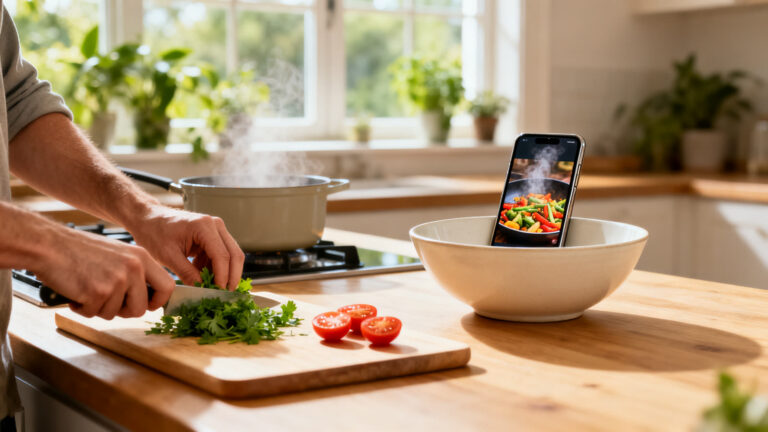
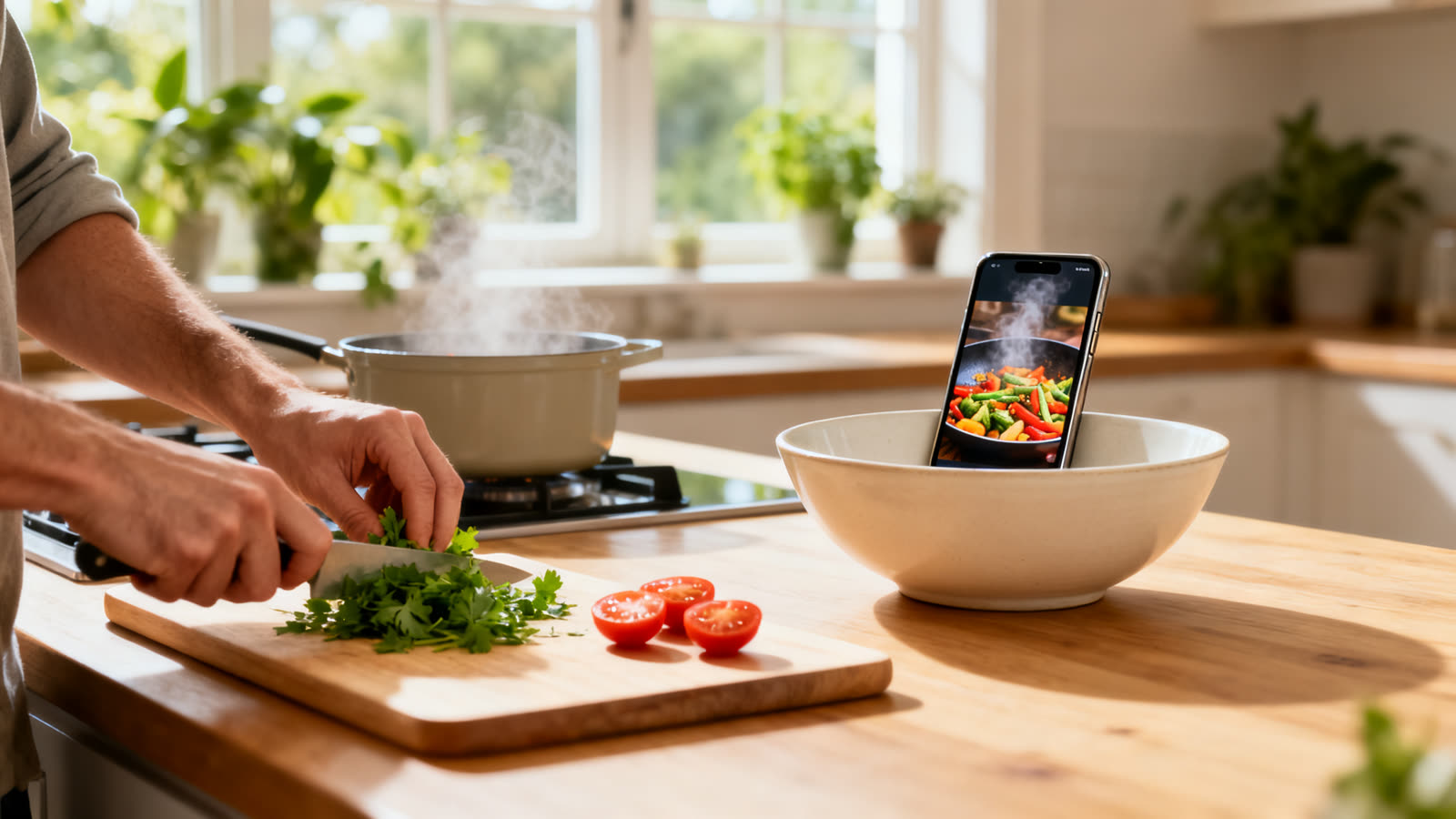
With none of that at hand, one trick helps: resting the phone inside a glass or a bowl directs the sound and makes it seem louder, without straining the speaker.
Is it worth it?
It is worth a try, in moderation. On Android, the two Volume Booster apps add a little extra; on iPhone and Android, VLC helps with the videos and music on the phone. If the sound distorts, back off a little: that is your phone’s limit.
This article is informative and independent. Ratings, reviews and downloads were checked on Google Play and the U.S. App Store on November 3, 2026. We have no connection with the developers mentioned, and we are not responsible for how the apps work, for damage to speakers or headphones or for changes in price. The store listing is always the final source.
Keep reading 👇
Phone Battery App: The Right One for Android and iPhone ›
Free Up Phone Storage: The Right App for Android and iPhone ›
Free Karaoke App: StarMaker and What You Pay For ›
FAQ
Does the app raise the volume by 200%?
No. The number on the slider is not the sound that comes out of the speaker. The real boost is small and ends when the sound starts to distort.
Can volume apps damage the speaker?
They can, if you keep the boost at maximum for a long time. Raise it little by little and step back as soon as you hear crackling or popping.
Does it work on iPhone?
Both Volume Booster apps are Android only. On iPhone, VLC works for videos and music on the phone, and it is worth checking the system sound settings.
Does it make calls louder?
VLC does not, because it works only on what plays inside it. For the others, it depends on the app and the phone: check the store listing before you count on it.
Are the apps free?
All three are free to download. Both Volume Booster apps have ads and in-app purchases; VLC is free and open source.
