


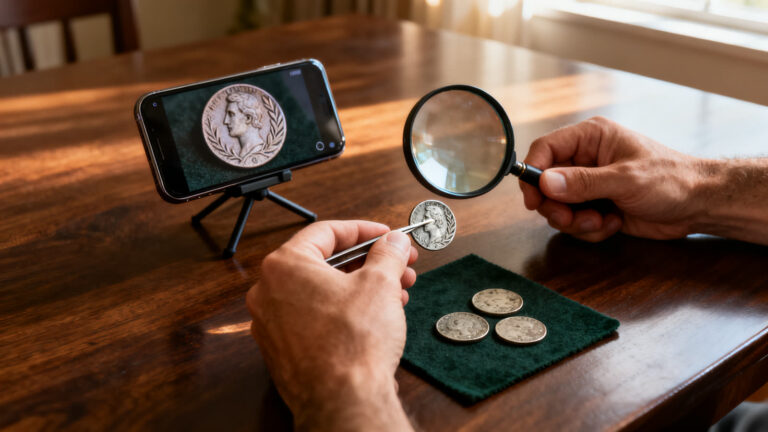
Got a jar, a tin or an inherited box of old coins and no idea where to start? Scanning every coin with an app sounds like the quick answer. With CoinSnap it isn’t, because the free scans run out fast, so the order you scan in matters.
This guide shows how to sort the pile by eye, which coins earn a scan, how to keep track of what you find and where to take the few that still look special.
One thing up front: CoinSnap is free to download, but recent reviews say only a few scans are free. After that it asks for a yearly Premium plan with a 7-day trial. Details and sources are below.
6 min read
📋 What you’ll find here
- Start with your eyes, not the app
- Piles that rarely need a scan
- Signs that move a coin to the scan pile
- What CoinSnap gives you for free, and where it charges
- How to avoid a charge when the trial ends
- Make each scan count
Get it from the official store 👇

Key Takeaways
- Sort by eye first and scan only the coins that pass the first cut.
- Recent reviews report only a few free scans; the listing gives no number.
- Premium is yearly, with a 7-day trial that renews unless you turn it off 24 hours before it ends.
- A rare rating describes the coin type, not the coin in your hand.
Start with your eyes, not the app
Spread the coins on a towel, in daylight, and work in batches. Handle them by the edges and do not wash, rub or polish anything: cleaning leaves marks that collectors spot at once.
Your first job is not to identify each coin. It is to split the pile into groups, so that the free scans go to the coins most likely to be interesting.
Piles that rarely need a scan
Most coins in a family jar fall into a few familiar groups. These can usually wait, or skip the app altogether:
Keep reading 👇
Coin identifier app: what an old coin’s estimate means ›
Learn crochet on your phone, step by step ›
Find free Wi-Fi hotspots when you travel ›
- Coins you still get in change today.
- Recent coins left over from trips, in everyday values.
- Coins so worn or corroded that no date or design is left to read.
- Pieces with a hole drilled through them, often for jewelry.
Signs that move a coin to the scan pile
Set aside any coin that shows one of these signs. This short pile is where your free scans should go:
- A date older than anything you see in change.
- A mint mark, small letter or symbol you do not recognize.
- Something odd: doubled letters, an off-center design or an unusual edge.
- A color or weight that feels different from coins of the same size.
- Coins still in original collector packaging. Leave the packaging closed.
What CoinSnap gives you for free, and where it charges
If an ad for a free app that identifies rare coins brought you here, this is the part that matters. CoinSnap is free to download on Android and iPhone, and you can identify some coins without paying.
How many, the store listing does not say. The developer’s website talks about identifying thousands of coins for free, but recent reviews on the US App Store tell another story. On October 2, 2026, a reviewer wrote: “You only get a few scans.” On September 16, another complained about having to pay so much to snap coins.
After that comes CoinSnap Premium, which, according to the listing, unlocks all Premium features. The plan described is yearly, with a 7-day trial, and it renews automatically. On the US App Store, Premium purchases range from $3.99 to $39.99; your local price shows on the payment screen.
| Item | What applies on October 9, 2026 | Source |
|---|---|---|
| Download the app | Free | Both store listings |
| Identify without paying | Some coins; the listing gives no number | Reviews of Sep 16 and Oct 2 |
| CoinSnap Premium | Yearly, 7-day trial, renews automatically | App Store listing |
| Premium price | $3.99 to $39.99 | US App Store |
| Selling coins in the app | Not offered | Listing and a review of Sep 26 |
How to avoid a charge when the trial ends
The risk sits on the last day. On September 28, 2026, a reviewer wrote that the 7-day trial turned into a full year of Premium, even though they cancelled on day seven.
The listing explains why: auto-renew must be turned off at least 24 hours before the current period ends, in your store account’s subscription settings. Deleting the app does not cancel anything. If you start the trial, cancel by day five.
Make each scan count
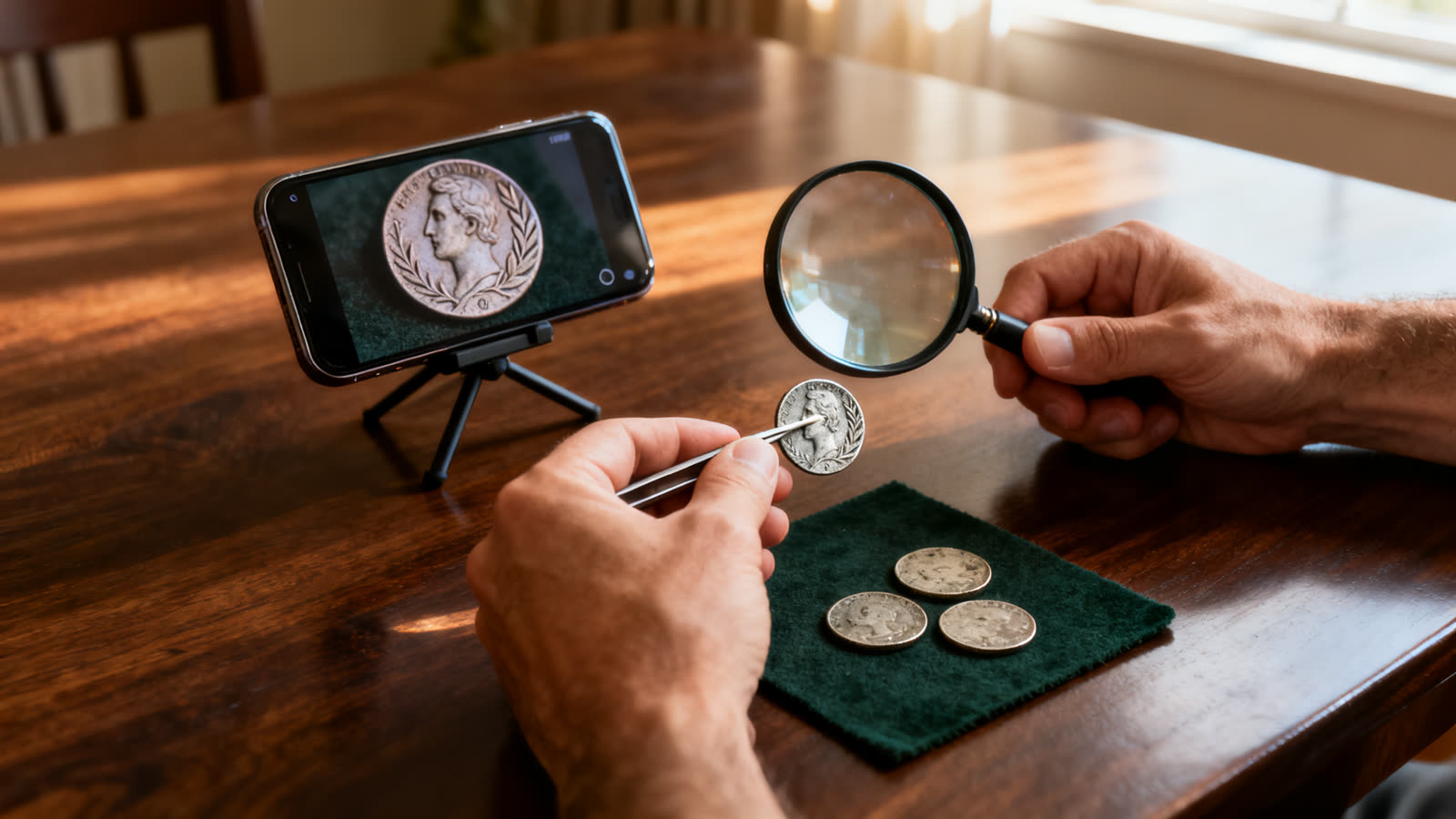
Shoot the scan pile in one sitting with one setup, so every coin gets the same light and background. Take each coin out of its plastic flip first, a tip from an October 7 review. Plastic adds reflections.
Before moving to the next coin, check the result against the coin itself: the date, the value and any mint mark on the screen should match what you see. If they do not, the app opened the page of a different issue.
What a rare result means
CoinSnap shows a rarity level for the coin type it recognized, meaning the whole issue for that country, value and year. It cannot see whether your coin is worn, cleaned or a copy, and the listing does not explain how the level is set.
Rare is not the same as valuable. Price needs scarcity, buyers who want that series and a coin in good shape. The price the app shows often comes as a range, and an October 5 review complains of one running from $2.46 to $450 for the same coin.
Mistakes run both ways: a September 21 review says the app gave a high value to a fake coin and called a genuine one worthless.
Keep a simple log
Number an envelope for each coin in the scan pile and keep a sheet with one line per number. Months later, it is what saves you from scanning the same coin twice.
- Envelope number and the pile it came from.
- Country, date and mint mark, as you read them.
- What the app said, including the rarity level and price range.
- Next step: keep, show a dealer, or done.
Where to get a second opinion, and where to sell
If a coin still looks special, the next step is a person, not another app. A serious appraisal happens in person: someone handles the coin, weighs it, measures it and checks the wear under a loupe.
Compare completed sales, not asking prices. Be wary of buyers who offer a huge sum by message without seeing the coin, ask for a fee first or rush you. And CoinSnap does not buy or sell coins, as a September 26 reviewer found out.
- A coin dealer appraises and buys, so ask for the appraisal before any talk of selling.
- A local coin club gathers people who know the series and can give a second opinion.
- Coin auction houses often publish what similar coins sold for.
- A grading service gives a condition grade and seals the coin, for a fee that only pays off once value is confirmed.
Is CoinSnap worth it for a jar of coins?
For a first answer, yes: it puts a name on a coin and shows whether that type is common or scarce. It rates 4.7 on the US App Store from more than 306,000 ratings.
For a whole jar scanned for free, or for an appraisal, no. Sort first, spend the free scans on the short pile, and decide on Premium only if that pile is still long.
This article is informative and independent. We have no connection with CoinSnap or Next Vision Limited. The information comes from the official listings and public reviews, checked on October 9, 2026, and may change. We are not responsible for any identification, estimate or store charge, or for any deal made on the basis of them.
FAQ
How many coins can I scan with CoinSnap for free?
The listing does not say. Recent reviews describe only a few free scans, while the developer’s website mentions thousands. Plan for a few and choose them carefully.
Which coins should I scan first?
Old dates, unfamiliar mint marks or designs, anything that looks odd, and coins in original collector packaging. Skip the coins you still get in change.
Does the 7-day trial turn into a paid plan?
Yes, unless you turn off auto-renew at least 24 hours before it ends, in your store account settings. Deleting the app does not cancel it.
Is a coin the app calls rare worth money?
Not necessarily. The rating describes the coin type. Value depends on demand and on the condition of your coin, which only an in-person check settles.
Can I sell my coins through CoinSnap?
No. It identifies coins and organizes a collection. Selling happens with a dealer, at an auction or with another collector, ideally in person.
