


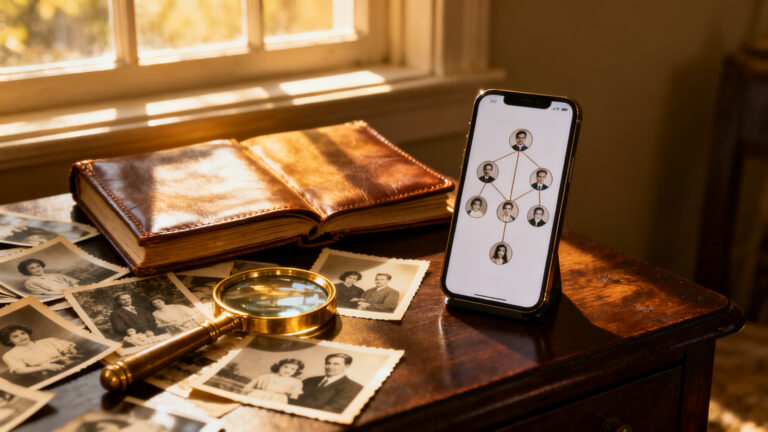
Do you know where your last name comes from? Most people can name their grandparents, but the story stops there, and everything before them turns into a question nobody at the dinner table can answer.
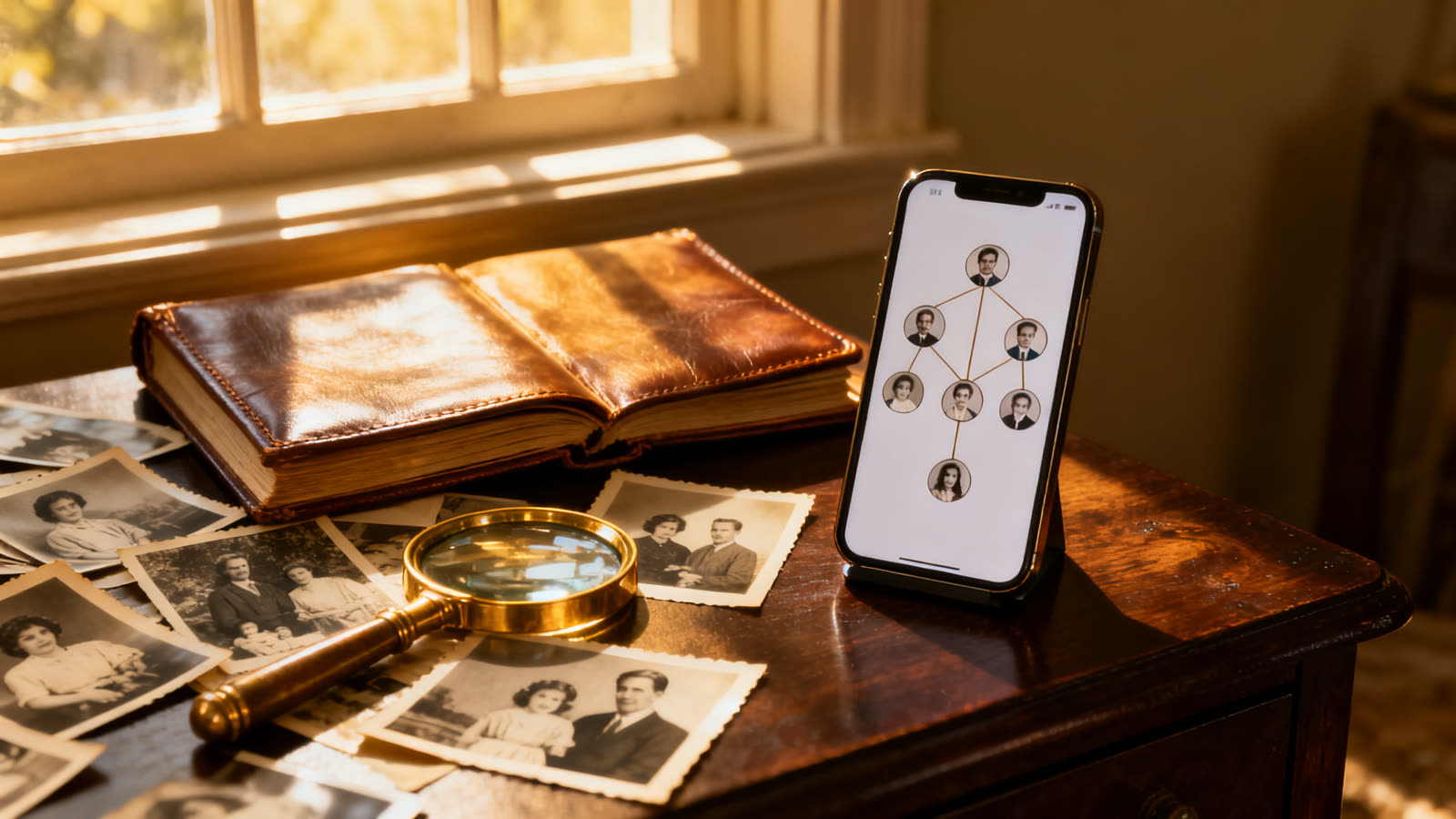
A family tree app can help: it stores what your family already knows, searches for what it forgot and checks everything against old records, such as birth certificates and passenger lists. Two of the best known are FamilySearch and MyHeritage.
They look alike in the store, but they charge in different ways and offer different things. Below is what each one does, what stays free and where the paid plan begins.
6 min read
📋 What you’ll find here
- Where to start tracing a surname
- The same surname does not mean the same family
- FamilySearch: a shared tree at no cost
- MyHeritage: record search and a DNA option
- What is free and where the paid plan starts
- How to compare the two without downloading
Key Takeaways
- A surname alone does not prove kinship: the search starts with your parents and grandparents
- FamilySearch is free and, according to the store listing, shows no ads and no in-app purchases
- MyHeritage is free to download, but it has in-app purchases and some features need a paid plan
- The MyHeritage DNA test is optional and separate from the tree
- What you publish about deceased relatives on FamilySearch becomes available to the public
Where to start tracing a surname
Before you download anything, gather what already exists at home: the full names of your parents, grandparents and great-grandparents, rough dates and the towns where each one lived. A parish or county name, even a misspelled one, already helps.
Family tree apps work on top of that. You fill in the relatives you know, and the system looks for similar people in other users’ trees and in digitized records. The more dates and places you enter, the fewer false results you get.
The same surname does not mean the same family
Smith, Johnson and Brown exist in millions of families that never crossed paths. Many surnames appeared independently, from a trade, a place or a father’s first name, which is why they show up in regions far from each other.
That is why a tree is worth more than a list of people with the same name. It follows the direct line of your father and mother backward, and that is where the origin of a surname really shows, with a date and a place.
FamilySearch: a shared tree at no cost
The store listing describes FamilySearch as the world’s largest online family tree. Users build it together, and each person you add can be linked to historical records, such as birth and death certificates, when the system finds a likely match.
The app is free and, according to the listing, shows no ads and no in-app purchases. One point needs attention: the content you publish about deceased people becomes available to the public, and the store itself warns about it.
- Distant relatives can edit the same person in the tree
- Photos, stories and audio recordings tied to each relative
- Maps show where the key events of an ancestor’s life took place

MyHeritage: record search and a DNA option
MyHeritage starts from the same idea, with more tools around it. The store listing mentions 81 million user family trees and 40 billion historical records, and says the app alerts you when someone in your tree shows up in another tree or in a document.
The app is free to download and has purchases inside it. Building the tree is the starting point, but opening part of the matches and records may require a paid plan. Check the terms in the store before you sign up.
- Automatic matches between your tree and other trees
- Optional DNA test, done with a cheek swab
- Tools to repair and animate old photos

What is free and where the paid plan starts
On FamilySearch, the store listing shows no charge inside the app. The cost is elsewhere: the time that research takes and the need to check every link against a real document.
On MyHeritage, the app opens without payment but offers in-app purchases. The general rule is simple: building the tree tends to be open, while seeing the details of records or using the DNA test tends to cost money.
If you only want to know where your surname comes from, start with the one that does not charge and think about a plan only if the search stalls.
How to compare the two without downloading
On the stores, both apps show a 4.4 rating on Android. On the App Store, FamilySearch passes 500,000 ratings, with a 4.8 score, and MyHeritage has about 66,000, with a 4.9 score.
A high score does not tell you which one fits your family. What decides it is whether the records from the country where your ancestors lived are in the catalog. Run a search with a grandfather’s name and see if any result makes sense.
How to download and build your first tree
For either app, use the buttons in this article, which lead straight to the official listing on Google Play or the App Store. Create an account and start with your own name, then add your parents and grandparents.
Enter dates and towns even if they are approximate, and attach an old photo if you have one. Leave the great-grandparents for later, after you confirm what your grandparents recorded.
Careful before accepting a suggested relative
Family tree apps suggest automatic links, and spelling mistakes are common in old records. A Catherine can turn into Katherine or Kathryn, depending on the clerk and the year.
Accept a suggestion only if dates, places and the parents’ names match what your family already knows. When in doubt, keep the person aside and ask an older relative.
Think about privacy too: details about living people should not be published without their permission.
Which one fits your family
If you want to start without paying and contribute to a shared tree, FamilySearch is the most direct route. If you prefer alerts about matches and the DNA option, MyHeritage offers more tools, with a paid plan for what goes beyond the basics.
Nothing stops you from using both: one to build the base and the other to cross-check information. Choose by need, not by score.
This article is informative and independent. The ratings, review counts and downloads were checked on the stores on October 22, 2026. We have no connection with the developers mentioned, and we are not responsible for how the apps work, for the records available in each country or for changes in price. The store listing is always the final source.
Keep reading 👇
Sorting Old Coins: Which to Scan First With CoinSnap ›
Coin Identifier App: How to Estimate an Old Coin’s Value ›
Learn Crochet on Your Phone: A Beginner’s Step-by-Step Plan ›
FAQ
Is FamilySearch really free?
Yes. The app is free to download and, according to the store listing, shows no ads and no in-app purchases.
Does MyHeritage charge to use it?
Downloading costs nothing, but the app has in-app purchases. Part of the matches and records may need a paid plan, so check the terms in the store.
Do I need a DNA test to build a tree?
No. The tree works with what you enter. DNA is an optional MyHeritage feature, collected with a cheek swab.
Will I find records from my country?
It depends on the period and the region. The catalogs grow over time, but not every parish or county office has been digitized. Search for a grandfather’s name to see what shows up.
Is what I publish visible to everyone?
On FamilySearch, content about deceased people becomes available to the public, as the store listing warns. Do not publish details about living people without permission.
Where do I start if I only know my grandparents’ names?
Start with them. Add yourself, your parents and your grandparents, with the dates and towns you remember, and let the app suggest the next steps.
