


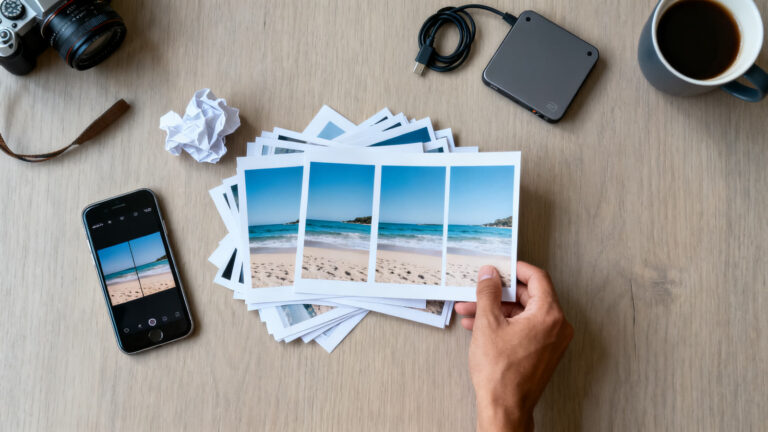
Does the storage full warning always show up at the worst moment? You go to record a video or install an app, and the phone tells you to delete something without saying what.
You can fix it in a few minutes with an app that shows what is taking up space. The catch is that no good, honest app works the same way on both systems.
That is why this guide gives one suggestion per device: an app for Android and another for iPhone, with what each one does, what is paid and what to check before deleting anything.
6 min read
📋 What you’ll find here
- Where your phone’s space really goes
- Why there is one suggestion per device
- The Android suggestion: Files by Google
- The iPhone suggestion: Clever Cleaner
- Similar photos are the biggest waste
- One video can outweigh hundreds of photos
Get the suggestion for your device 👇
For Android — suggestion: Files by Google

For iPhone (iOS) — suggestion: Clever Cleaner: AI CleanUp App

Key Takeaways
- What weighs most on a phone is usually repeated photos, large videos and forgotten downloads
- The Android suggestion is Files by Google, which the store listing presents as free and ad-free
- The iPhone suggestion is Clever Cleaner, free within daily limits, with a paid Premium plan
- Each app exists on one store only: Files is for Android and Clever Cleaner is for iPhone
- Clearing cache and memory does not fix full storage
- Back up before deleting anything in bulk
Where your phone’s space really goes
When storage fills up, one villain is rarely to blame. It is usually the sum of repeated photos, long videos, forgotten screenshots and files that arrived through a messaging app and were never opened again.
Before deleting blindly, it helps to see what takes up the most. The phone shows this in its settings, but a cleaning app groups items by type and suggests what should go first.
- Identical or near-identical photos taken in a row
- Long videos in high quality
- Old screenshots
- Media received in messaging apps
- Files downloaded and never opened
Why there is one suggestion per device
Android and iPhone store files in different ways, so the best cleaning apps are different too. Android lets an app look at folders, downloads and loose files. The iPhone keeps almost everything inside the photo library.
Instead of pushing a single app, this article splits the choice: Files by Google for Android and Clever Cleaner for iPhone. Each one exists on one store only.
If you use both systems, read both parts. If you use only one, go straight to the suggestion for your phone.
The Android suggestion: Files by Google
Files by Google is a file manager made by Google itself. The store listing says it shows free space on the device, the SD card and a USB drive, and that it finds old photos from chat apps, duplicate files and cache you can delete.
It also helps you spot what weighs the most, because you can sort everything by size. The listing says the app is free, has no ads and uses less than 20 MB on the device.
You can also move files to Google Drive or to an SD card, which frees space without losing the file.
The iPhone suggestion: Clever Cleaner
Clever Cleaner is a cleaning app made only for iPhone, by CleverFiles, the company behind Disk Drill. The store listing says it groups duplicate and similar photos, marks the best one in each group and lets you choose what to delete.
It also sorts videos from largest to smallest, gathers screenshots in one place and converts Live Photos into regular photos, which take up less space. If you would rather not delete, you can compress the file.
The app is free within daily limits and shows no ads, according to the listing. To remove the limits there is a Premium plan, which is paid and whose prices appear in the store itself.
The listing states that processing happens on the device and that deleted media goes to the Recently Deleted album in Photos, where you can restore it.
Similar photos are the biggest waste
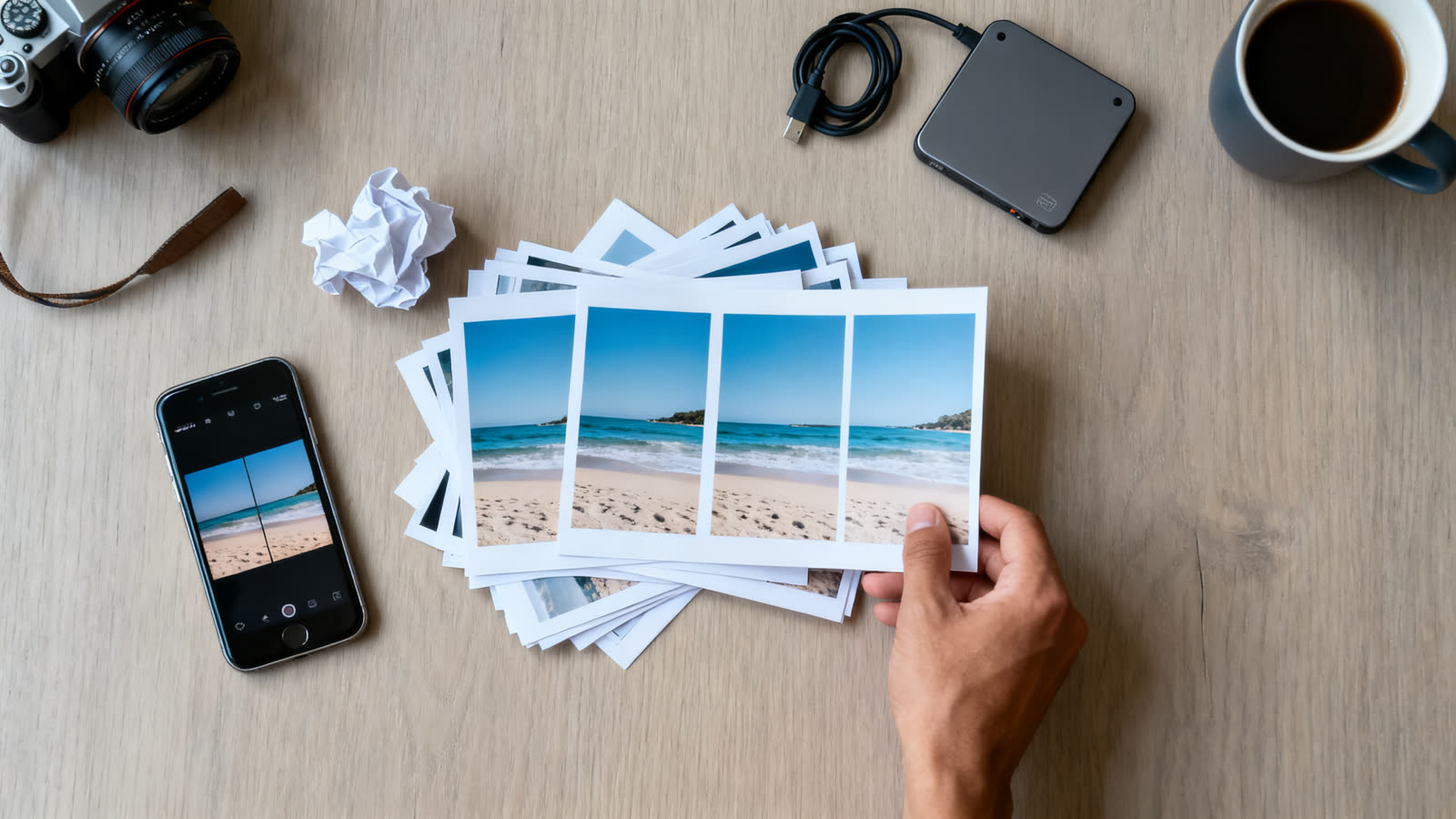
Someone who takes six photos to get one right ends up with five extra. In a year, that becomes gigabytes of near-identical images nobody will look at again.
On iPhone, Clever Cleaner groups those images and suggests the best one. On Android, Files by Google points to duplicate files and the largest items on the phone, and the final decision stays with you.
One video can outweigh hundreds of photos
A long high-resolution video can take up more space than hundreds of photos. That is why sorting files by size usually frees more in less time than deleting photo by photo.
If you want to keep the video, compressing is one way out, and Clever Cleaner offers it on iPhone. On Android, moving the file to the cloud or to the SD card solves the space without losing the recording.
Clearing cache and memory does not fix it
Apps that promise to speed up your phone by clearing memory mix up two problems. Storage is where photos and files live. RAM is temporary working space, and the system already manages it on its own.
Cache frees a little and grows back the same day. The big space is in the files you created or received, and that is where cleaning makes a difference.
Before you delete anything
Back up what matters before deleting in bulk. Family photos and videos can go to Google Photos, to iCloud or to a computer.
Review what the app flagged before you confirm. Automatic suggestions make mistakes, and a similar photo may be the only one where someone has their eyes open.
On iPhone, whatever you delete goes to Recently Deleted and stays there for a while, which gives you a second chance.
How to download from Google Play and the App Store
Use the button in this article that matches your phone: the Android one opens the Files by Google listing on Google Play, and the iPhone one opens the Clever Cleaner listing on the App Store.
According to the listing, Clever Cleaner requires iOS 16 or later. Check your phone’s compatibility in the store before installing.
A simple routine so the warning stays away
Once a month, open the app, delete what it flagged as repeated or large and empty the downloads folder. Ten minutes is enough.
Turn on cloud backup for photos and switch off automatic media saving in the messaging groups you do not follow.
Is it worth it?
If your problem is full storage because of repeated photos, heavy videos and forgotten files, the two suggestions help at no cost, within the limits of each one.
If you expect a faster phone, no app works miracles. Space and speed are different problems.
This article is informative and independent. The ratings, review counts and downloads were checked on the stores on October 22, 2026. We have no connection with the developers mentioned, and we are not responsible for how the apps work, for data lost during cleaning or for changes in price. The store listing is always the final source.
Keep reading 👇
Phone Battery App: The Right One for Android and iPhone ›
Free Wi-Fi While Traveling: How a Hotspot Map Works ›
GPS Speedometer App: How Your Phone Reads Speed ›
FAQ
Is Files by Google free?
Yes. The store listing presents it as free and without ads.
Is Clever Cleaner free?
It is free to download and use within daily limits. To remove the limits there is a Premium plan, which is paid.
Can I use the same app on Android and iPhone?
No. Files by Google is for Android only and Clever Cleaner is for iPhone only, which is why the article gives one suggestion per device.
Does clearing cache free up a lot of space?
It frees little, and the cache grows back. The big gain is in repeated photos, heavy videos and downloaded files.
Is it safe to delete duplicate photos in bulk?
It is, as long as you back up first and review what the app flagged. On iPhone, whatever you delete goes to Recently Deleted.
Will this make my phone faster?
Not necessarily. More free space avoids freezes when you record or install something, but speed depends on other factors.
