

Check engine light on? That small amber engine symbol means the car’s computer has stored a fault code, and the dashboard will not tell you which one. Car Scanner ELM OBD2 is a phone app that reads the code and shows what it refers to, while you sit in the driver’s seat.
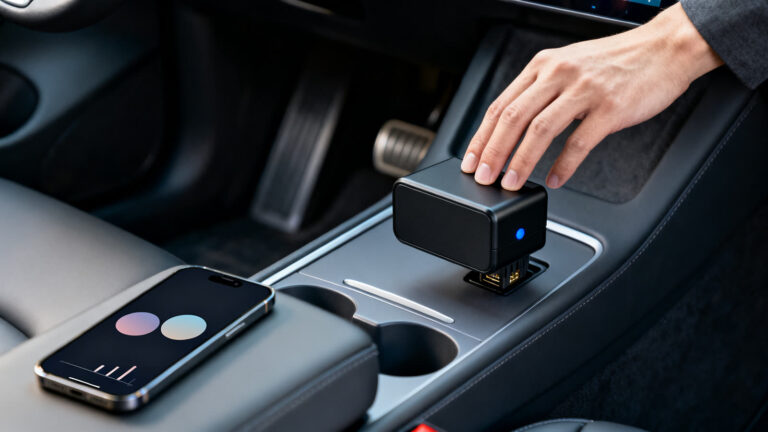
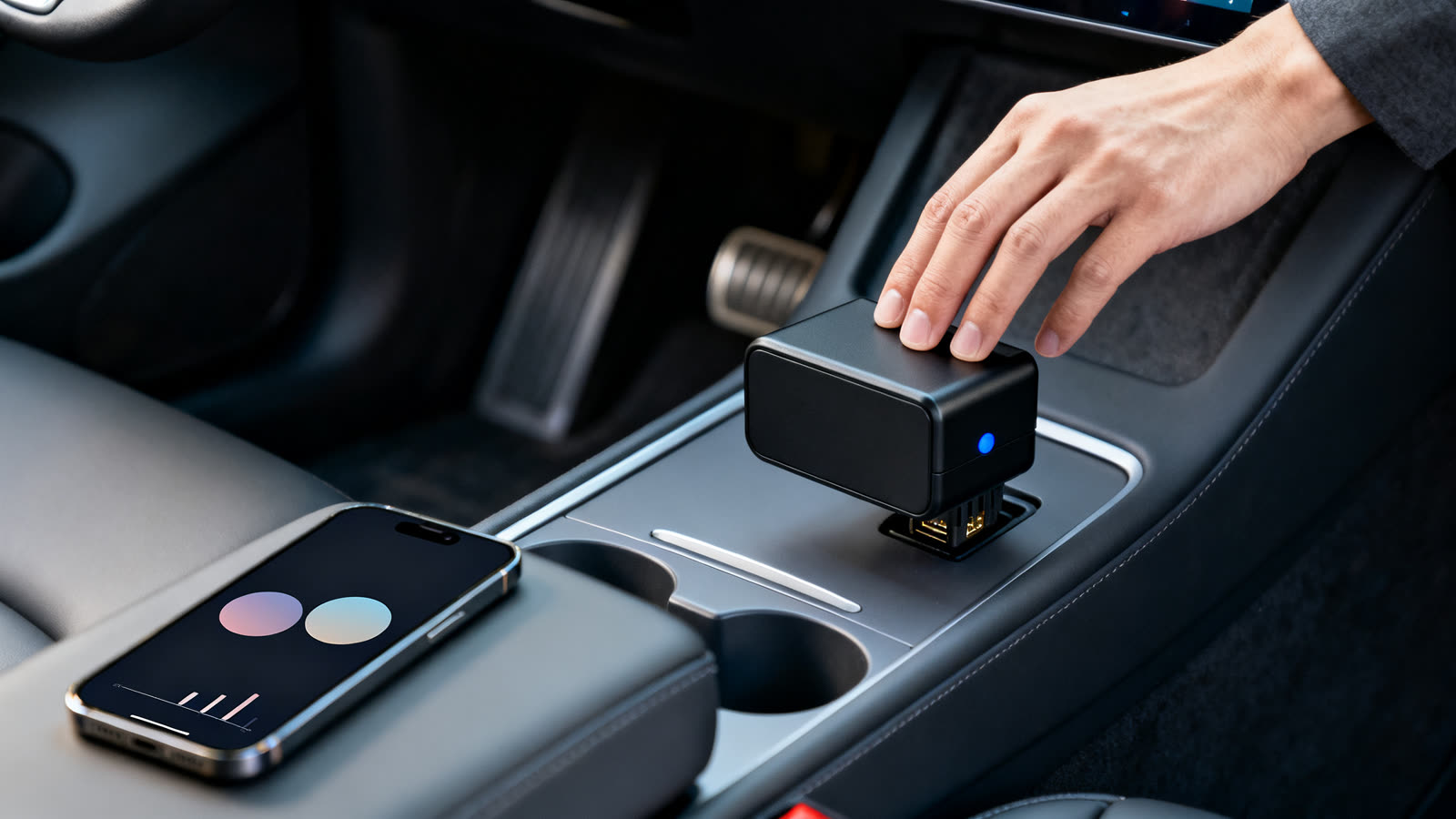
There is one part the ads rarely show. The app cannot talk to your car by itself. It needs an OBD2 adapter, a small device bought separately, that plugs into a socket under the dashboard and passes the car’s data to the phone over Bluetooth or Wi-Fi.
This guide covers what the app reads, what the adapter is and how to pick one, what is free and what is paid, and why a code on your screen is the start of a repair, not the repair itself.
6 min read
📋 What you’ll find here
- What the check engine light actually tells you
- What Car Scanner ELM OBD2 shows on the screen
- The adapter: the part you buy separately
- How to read your first code
- Free car diagnosis: what is true
- If Car Scanner does not connect
Get Car Scanner from the official store 👇

Key Takeaways
- Car Scanner ELM OBD2 reads the fault codes your car has stored and shows a short description of each one.
- It only works through an ELM327 type OBD2 adapter, bought separately and plugged in under the dashboard.
- Downloading is free; unlocking every feature takes a one-time purchase or a subscription, according to the App Store.
- A code tells you where to look. Clearing it without fixing the cause brings the light back.
- Read the data with the car parked, or let a passenger handle the phone.
What the check engine light actually tells you
Most cars built since the early 2000s carry a standard diagnostic system called OBD2. The engine computer watches dozens of sensors, and when a reading falls outside its expected range, it stores a fault code and switches on the light.
The code is one letter followed by four digits. The letter points to an area of the car, such as the engine and gearbox or the body, and the digits narrow down the system and the fault. The light alone only says that something was logged.
Many owner’s manuals treat a flashing light as more urgent than a steady one, so check what yours says before you decide to keep driving.
Keep reading 👇
GPS speedometer: how your phone reads speed ›
Free Wi-Fi on the road: how a hotspot map works ›
Identify an old coin from a photo ›
What Car Scanner ELM OBD2 shows on the screen
Car Scanner ELM OBD2 is published on the App Store by Stanislav Svistunov, in the Utilities category, and the developer’s own site links to both store listings. Once the phone is paired with an adapter, the store description lists these functions:
- Stored trouble codes with a short description of each, and the option to reset them.
- Freeze frame data: the sensor values saved at the moment a fault was logged.
- Live readings on a dashboard you arrange with gauges and charts.
- Emissions readiness status and the results of the car’s own self tests.
- A trip computer with fuel consumption figures, plus a head up display mode.
- Connection profiles for many brands, which add extra data on some models.
The adapter: the part you buy separately
The app does not scan the car on its own. It reads what the car’s computer reports, and the only way in is the OBD2 port, a socket usually found under the dashboard on the driver’s side.
That is where the adapter goes. On iPhone, the App Store listing asks for a Wi-Fi or Bluetooth LE adapter compatible with ELM327; Android phones can also pair over classic Bluetooth, according to the developer’s site. The adapter is hardware sold by third parties, and it does not come with the app.
Not every adapter behaves. The developer names Kiwi 3, Viecar, V-Gate, Carista, LELink and Veepeak as recommended brands, warns that some cheap clones connect badly or can even make the engine run unstable, and advises against units marked v2.1.
How to read your first code
With the adapter in hand, the first reading takes a few minutes. Do it with the car parked.
- Find the OBD2 port under the dashboard. The owner’s manual shows where it is if you cannot see it.
- Plug the adapter in with the engine off, then switch the ignition on as the adapter’s instructions say.
- Pair the phone with the adapter by Bluetooth, or join the adapter’s Wi-Fi network.
- Open Car Scanner, pick the connection type and let it find the car.
- Open the trouble codes screen and write down each code and its description before you reset anything.
Free car diagnosis: what is true
If you arrived here from an ad promising a free car scanner or a free diagnosis, here is the honest version. Downloading the app is free, and the free version reads codes. The adapter is not free: it is a separate device you have to buy.
The rest of the app has a price. The App Store lists Car Scanner Pro as a one-time purchase or a subscription and says unlocking all the features requires one of them. Google Play marks the app as having ads and in-app purchases. Prices vary by country.
A diagnosis is also more than a code. The app shows what the car reports and a description of it. It does not repair anything, does not replace a mechanic’s tests and, in the developer’s own words, cannot show you something that is not provided by your car.
Clearing a code is easy, and tempting. Doing it without fixing the cause only switches the light off for a while: if the fault is still there, the computer logs it again and the light comes back.
| The promise | What actually happens |
|---|---|
| A free car scanner | The app is free to download; the adapter is bought separately |
| A free diagnosis | You get the code and a description, not a repair |
| Checks everything in the car | Only what your car reports through the OBD2 port |
| Works on any car | Most cars from 2000 on, some from 1996, per the developer |
| Turns the light off for good | A cleared code comes back if the fault is still there |
If Car Scanner does not connect
Most connection problems come from the adapter, not the app. Check that the ignition is on, that the phone is paired with the right device and that no other app is holding the connection.
If it still fails, another reader is worth a try with the same adapter. OBD2 Car Scanner – EOBD Facile, by Outils OBD Facile, also works with ELM327 adapters over Bluetooth or Wi-Fi and has a built-in adapter test. It is free to download, and its paid editions unlock manufacturer codes, unlimited recording and PDF reports.
Safety, ratings and how to download
Read the data with the car parked, or hand the phone to a passenger. Watching a live gauge while driving takes your eyes off the road, and handling a phone at the wheel is illegal in many places.
Use the buttons on this page and check the developer name before installing, since this category is crowded with similar icons. Checked on 19/10/2026, the US App Store showed 4.8 with 32,955 ratings, and Google Play showed 4.7 with more than 10 million downloads.
This article is informative and independent. We have no connection with the developer or with any adapter maker, and we are not responsible for how the app or an adapter behaves, for the accuracy of a reading, for repairs made on the basis of it, or for changes to prices and paid features.
FAQ
Do I need to buy anything to use a car scanner app?
Yes, an ELM327 type OBD2 adapter, sold separately. The app reads the car only through it; without the adapter there is nothing to read.
Is Car Scanner ELM OBD2 free?
Downloading is free and the free version reads codes. Unlocking every feature takes a one-time purchase or a subscription, according to the App Store, and Google Play marks ads and in-app purchases.
Will it work on my car?
Most cars built after 2000 use the OBD2 standard, and the developer says some from 1996 work too. What the app shows depends on what your car reports, so the list of sensors changes from car to car.
Can the app turn off the check engine light?
It can reset the stored codes. If the cause is still there, the car logs the fault again and the light returns, so clearing a code is not a repair.
Does it replace a mechanic?
No. It gives you the code and a description, which helps you understand the problem and talk to a workshop. The tests and the repair are still a mechanic’s job.
Why won’t my adapter connect?
Cheap clones are a common cause. The developer recommends known brands and advises against adapters marked v2.1. Check that the ignition is on and that the phone is paired with the adapter.
