


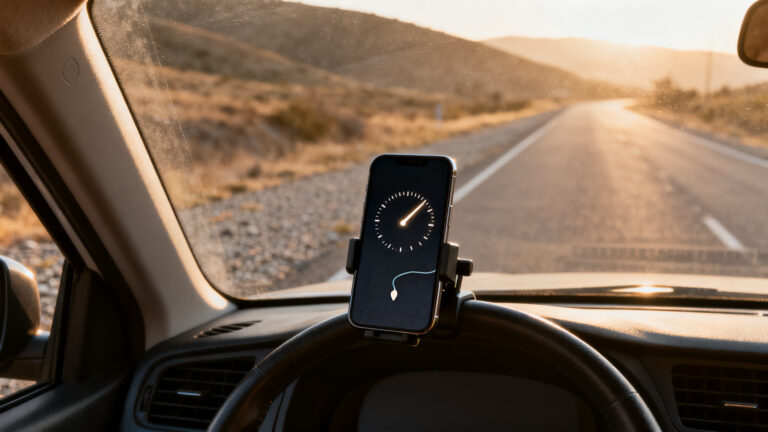
Your car already has a speedometer, so why put one on your phone? Speed Tracker: GPS Speedometer answers that bluntly: the number on your dashboard and the number a satellite fix produces do not come from the same place, and they do not always agree.
A car reads speed from a sensor on a wheel or a gearbox, then applies a correction. A phone reads it from position. It notes where you were, where you are now, and how long that took. Different inputs, different errors.
This guide covers what the app puts on the screen, why the two readings drift apart, how to set the phone up so you never touch it while driving, and the moments when a satellite reading simply gives up.
6 min read
📋 What you’ll find here
- Why a phone can read your speed at all
- What Speed Tracker puts on the screen
- Why the dashboard and the phone disagree
- Set it up before you move, not while you drive
- The moments it gets it wrong
- Cost, limits and how to download
Download it free 👇

Key Takeaways
- A satellite reading comes from your change in position over time, so a wheel or tyre change never throws it off.
- In many markets a car’s dial is not allowed to show less than your real speed, which is why it tends to read high.
- Speed Tracker shows current, average and maximum speed, plus distance, heading, elevation and an exportable trip log.
- No fix means no reading: tunnels, underground car parks and the first seconds after opening the app leave you with nothing.
- It is free to download on both stores, shows ads, and keeps an unlimited trip log behind a subscription.
- Mount the phone and set everything before you drive. Handling it on the move is dangerous and illegal in many places.
Why a phone can read your speed at all
Satellite positioning hands the phone a coordinate and a timestamp. Do that once a second and you have two coordinates and an interval, which is all you need to work out speed. No cable, no engine data, no sensor on the axle.
That is why this kind of app behaves so differently from the dial in front of you. It does not know what your car is doing. It only knows where your phone has been, and how fast the gap between those points is growing.
The upside is independence. Bigger wheels, a worn sensor, a swapped gearbox: none of it reaches the phone. The downside is that the whole reading leans on a clear view of the sky.
Keep reading 👇
Find free Wi-Fi hotspots when you travel ›
Identify an old coin from a photo ›
Learn crochet on your phone, step by step ›
What Speed Tracker puts on the screen
Speed Tracker: GPS Speedometer is published by Oxagile LLC and sits in the Navigation category on both stores. The listing describes a speedometer bolted onto a trip computer, which is a fair summary of the first screen.
Current speed sits in the middle, with average and maximum speed, distance covered, moving time and stopped time around it. The dial is scalable, so you set the top of the scale to match a bicycle, a car or a boat.
- Head up display mode, which mirrors the figures so they read the right way round off the windshield.
- Trip log with the route drawn on a map, a speed graph, and export to CSV, KML or GPX.
- Automatic stop detection, so time spent parked does not drag the average down.
- Statistics that add up every trip since the first one you recorded.
- Apple Watch support on iPhone, for starting a recording without reaching for the phone.
Why the dashboard and the phone disagree
Put the two side by side on a motorway and the phone usually shows the lower number. That is not a fault. In many markets the rule is explicit that a car’s speedometer must never display less than the real speed, so builders leave a margin and let it read high.
The phone has no such rule to follow and no margin to protect, so it reports what the arithmetic says. Each one is wrong in its own direction, and the table below is the short version of when.
| Situation | The car’s dial tends to | A satellite reading tends to |
|---|---|---|
| Steady cruising on a motorway | Sit a little above your real speed | Land close to your real speed |
| The first seconds after you set off | React straight away | Lag until the fix settles |
| Inside a tunnel or an underground car park | Carry on as normal | Show nothing, or freeze on the last value |
| A street lined with tall buildings | Carry on as normal | Jump around as signals bounce off walls |
| After you fit larger wheels | Under-read, because the maths changed | Stay right, because it never touches a wheel |
| Stop and go traffic | Follow every change instantly | Smooth the change over about a second |
Set it up before you move, not while you drive
This matters more than any feature on the list. Reading a screen at the wheel takes your eyes off the road, and in a lot of countries picking the phone up while driving is a fine and points on your licence. No app changes that.
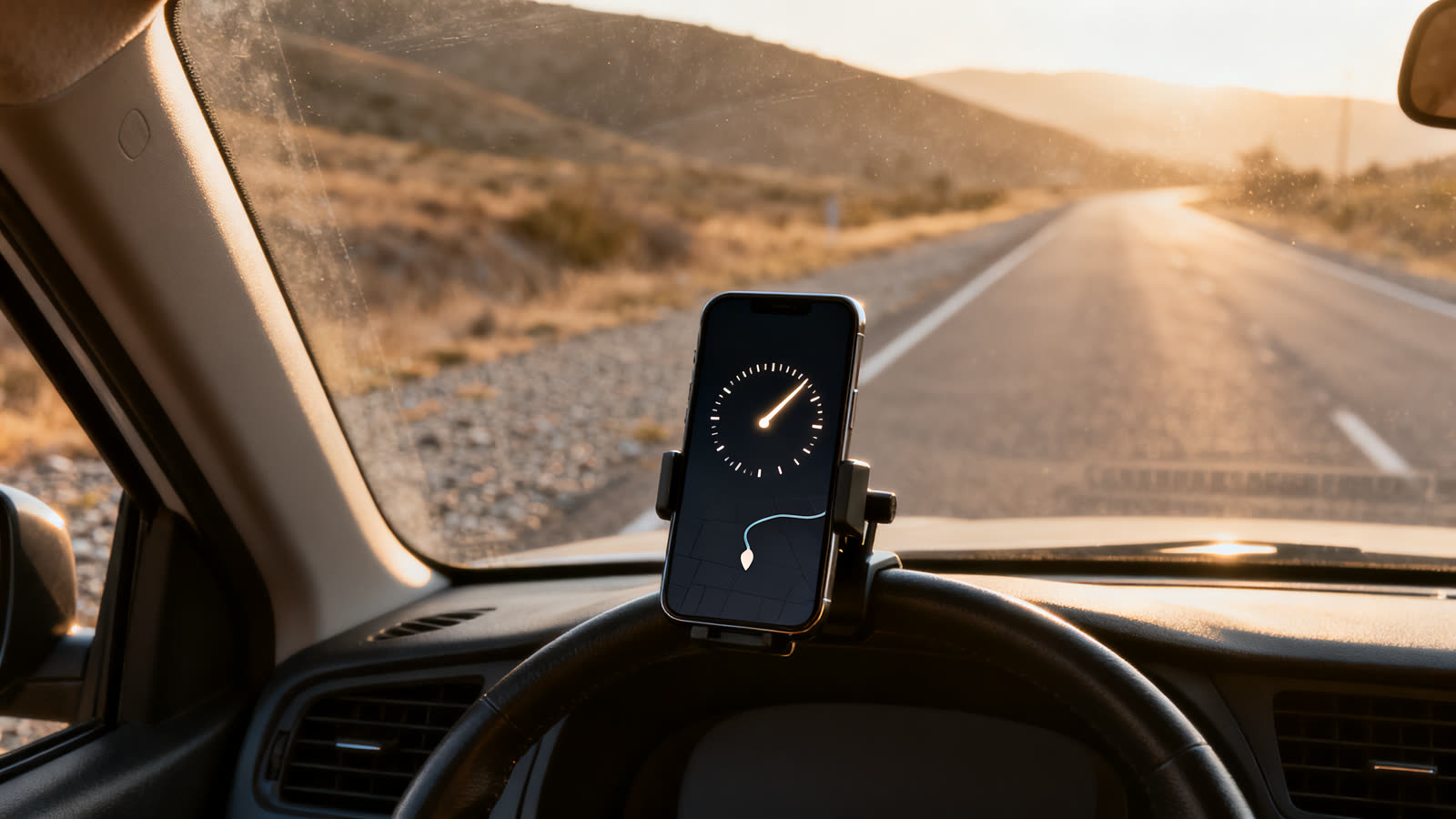
- Fit a mount at windshield or dashboard height before you start the engine.
- Choose your units, set the top of the dial and pick the layout while the car is parked.
- Switch on head up display mode for night driving, when the reflection on the glass is readable.
- Plug the phone in. Constant positioning with the screen awake is one of the heaviest jobs a phone does.
- If you want to rename a trip or dig through the log, pull over first.
The moments it gets it wrong
A satellite reading has predictable blind spots, and knowing them is the difference between distrusting the app and understanding it.
The first is the cold start. Opening the app and pulling away in the same second gives it nothing to work with, and the early figures can be far off until it locks on.
The second is anything over your head. Tunnels, multi storey car parks, forest canopy and narrow streets between high buildings all cut the fix down or bounce it around.
The third is your own battery. An hour of screen plus positioning is heavy, and a phone that shuts down halfway through the drive is worse than no second opinion at all.
Cost, limits and how to download
Both listings are free to download. The Google Play page carries the ads label and the in app purchases label, and the store text says what the subscription covers: ads switched off and an unlimited trip log. Without it, one trip stays saved.
It is worth being blunt about what this is not. It is not a calibrated instrument, it is not evidence in a dispute over a ticket, and it is not a replacement for the speedometer your car came with. Treat it as an informed second opinion.
Use the buttons on this page and check the developer name, Oxagile LLC, before you install, because this category is crowded with lookalike icons. Checked on 26/09/2026, the App Store listing showed 4.6 with 6,220 ratings, and Google Play showed 4.3 with 3.59K reviews and more than 500 thousand downloads.
This article is informative and independent. We have no connection with the developer, and we are not responsible for how the app behaves, for the accuracy of any figure on your screen, for changes to what the subscription covers, or for anything that happens on the road.
FAQ
Is a GPS speedometer more accurate than my car’s dial?
Under a clear sky at a steady speed, the satellite reading usually lands closer to your real speed, because a car’s dial is built with a margin that makes it read high. In a tunnel or between tall buildings, the car wins easily.
Does it work without a mobile connection?
The speed itself comes from satellites, not from your data plan, so it keeps working out of coverage. Map tiles are what go missing: with no data, the route drawing falls back to whatever the phone already cached.
Will it drain my battery?
Yes. Constant positioning with the screen awake is among the heaviest things you can ask of a phone. Plan on keeping it plugged in for anything longer than a short errand.
Can I use a recorded trip to dispute a speeding ticket?
No. It is a consumer app on a consumer device, not a calibrated instrument, and the log carries no official standing. Keep it for your own curiosity.
Is it really free?
It is free to download on both stores. It shows ads, and a subscription removes them and lifts the limit on saved trips. What sits behind that subscription can change, so read the store listing on the day.
Can I leave it running on the windshield while I drive?
Mounted, set up in advance and left alone, it is a display like any other. Holding it, tapping it or reading long screens at the wheel is dangerous and illegal in many places, and head up display mode does not make that safer.
