


Got a jar of old coins in a drawer and no idea whether any of them is worth more than face value? CoinSnap: Coin Identifier tackles the first half of that question. You photograph a coin, and it tells you what the coin most likely is, where it came from, how scarce that type is and roughly what that type sells for.
The second half, what your particular coin would fetch, is harder. Price depends on condition, on how many were made and survived, and on who happens to be buying that month. A phone photo captures some of that and misses a lot of it.
This guide covers what the app does with a photo, how to shoot a coin so it reads correctly, what the estimate on screen actually means, and the specific places where it gets things wrong.
6 min read
📋 What you’ll find here
- Identifying a coin is not the same as valuing it
- What CoinSnap does with your photo
- How to photograph a coin so the app reads it
- Why the estimate is not an appraisal
- Where the app gets it wrong
- Cost, subscription and how to download
Get CoinSnap here 👇

Key Takeaways
- Identifying a coin and valuing it are two different jobs, and a photo is far better at the first one.
- The price CoinSnap shows is a figure for the coin type, not a valuation of the coin in your hand.
- Condition, cleaning and minting errors are exactly what a phone photo judges worst.
- Shoot both sides in soft daylight on a plain, dark surface, and never clean the coin first.
- Recent reviews report different results for the same coin on repeat scans, so scan more than once.
- It is free to download, but much of the app sits behind a subscription. Read the renewal terms before you agree.
Identifying a coin is not the same as valuing it
Every coin carries a face value, the amount it was worth as money. Collector value is a separate thing. It comes from demand, from how many were struck and survived, and from the state each one is in today.
That gap explains why most old coins from everyday circulation are worth little more than face value, even after decades in a tin. They were made by the million, and plenty of collectors already own one.
What a photo does well is put a name to the coin: country, denomination, year and type. With those four facts you can search a catalog or past sales properly, instead of guessing.
Keep reading 👇
Learn crochet on your phone, step by step ›
Find free Wi-Fi hotspots when you travel ›
How a GPS speedometer app reads your speed ›
What CoinSnap does with your photo
CoinSnap: Coin Identifier is published by Next Vision Limited, sits in the Reference category on the App Store and is available on both stores. You take a picture or pick one from your gallery, and it compares the image with its own database of coin types.
The listing claims more than 240,000 coin types in one place, more than 300,000 in another, and 99% recognition accuracy. Those are the developer’s own figures, not the result of an independent test.
- A coin profile with name, origin, year of issue and mint count.
- A rarity level and a market price estimate for that coin type.
- Coin encyclopedias for reading up on a whole series.
- Reports on error coins and on grading. The listing does not say which features stay free without the subscription.
- A collection organized by series, with a running total of estimated value.
How to photograph a coin so the app reads it
Most wrong answers start with the photo, not the software. Glare, blur and a busy background hide the small details that recognition depends on.
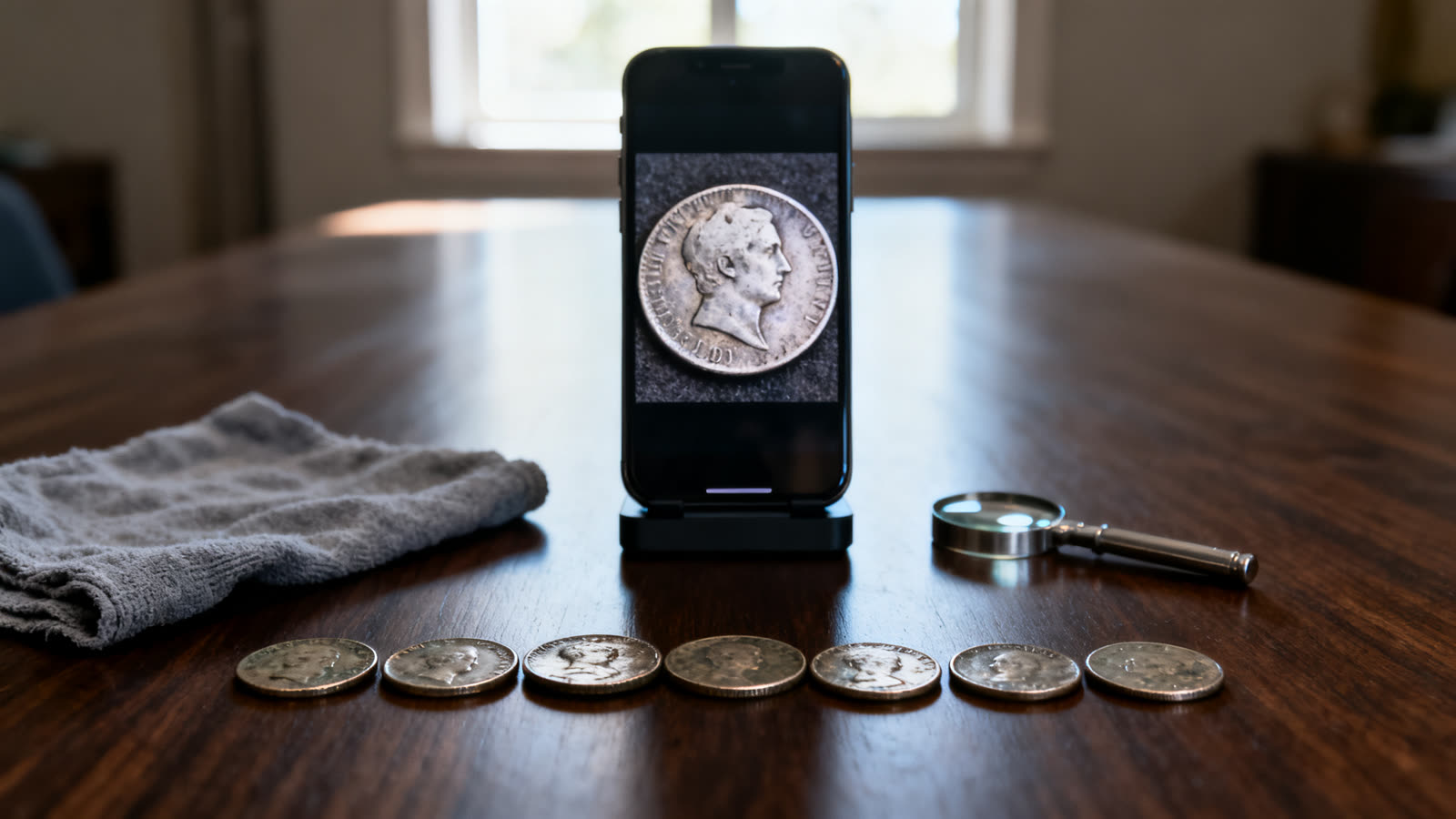
- Use soft daylight from a window and turn the flash off, because it flattens the relief.
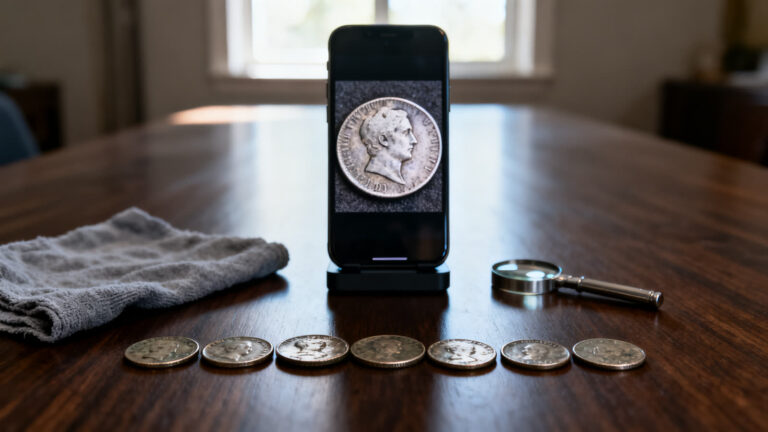
- Lay the coin on a plain, dark, matte surface. A folded soft cloth makes a good base.
- Hold the phone flat above the coin, not at an angle.
- Let the coin fill most of the frame and wait for the focus to lock.
- Photograph both sides. The reverse often settles a tie between two similar types.
- Touch the coin only by its edge. Never wipe, clean or polish it for a better picture, not even with that cloth.
Why the estimate is not an appraisal
Treat the price on screen as a figure for the coin type. Even when the app attaches a grade, that grade is read from a photo, which can miss the scratch on your coin or the cleaning someone gave it years ago. And no database knows who is buying that issue right now.
The table lists what really moves a coin’s price, how well a phone photo can judge each factor, and what you can check yourself before you trust the number.
| What moves the price | Can a phone photo judge it? | What to check yourself |
|---|---|---|
| Country, type and year | Usually, if the photo is sharp | The date and design on the coin match the result |
| Mint mark | Sometimes, because the mark is tiny | Look with a magnifier where the catalog says it sits |
| Wear and condition | Poorly | Tilt the coin under side light and study the highest points of the design |
| Past cleaning or polishing | Rarely | Look for an unnatural shine or fine parallel scratches |
| Minting errors and varieties | Rarely, it leans toward the normal version | Compare it side by side with a catalog photo |
| Demand right now | No | Recently completed sales, not asking prices |
| Authenticity | No | Weight and diameter against the catalog figures |
Where the app gets it wrong
A recognition app goes for the most likely match. That works well for common coins in decent shape, and poorly for exactly the pieces people hope are special.
Worn coins are the first trap. When the date and the design are rubbed down, the app hesitates between similar types, and you have to settle it by comparing the details yourself.
Error coins are the second. A doubled date or an off-center strike is unusual by definition, and the database knows the normal version far better. The app can easily hand you the ordinary coin.
The third is consistency. Several recent App Store reviews describe scanning the same coin twice and getting very different values or grades. Scan any coin that matters two or three times. If the answers disagree, treat the value as unknown.
Cost, subscription and how to download
Both listings are free to download, and Google Play lists in-app purchases. The App Store describes CoinSnap Premium as a yearly plan that unlocks all Premium features. Recent reviews say much of the app is closed without it, and the listing does not spell out what stays free.
If you subscribe, note the renewal date the moment you sign up. The listing says the plan renews automatically unless auto-renew is turned off at least 24 hours before the period ends. Several recent reviews complain about charges after people thought they had cancelled, so manage it from your store account settings. Deleting the app does not cancel it.
Use the buttons on this page and check the developer name, Next Vision Limited, before you install, because this category is crowded with lookalike icons. Checked on September 28, 2026, the App Store listing showed 4.7 with 304,581 ratings, and Google Play showed 4.5 with 143K reviews and more than 10 million downloads.
This article is informative and independent. We have no connection with the developer, and we are not responsible for how the app behaves, for any identification, grade or estimate it shows, for changes to what the subscription covers, or for any decision to buy, sell or keep a coin.
FAQ
Can a coin identifier app tell me what my coin is worth?
Not with certainty. It gives a figure for the coin type, and two coins of the same type can differ a lot in price because of condition alone. Use the figure to decide which coins deserve a closer look, not to set a price.
Is CoinSnap free?
Free to download, yes. Free to use in full, no: the complete feature set needs the Premium subscription, and the App Store lists several plans at different prices. Read the price and the renewal line on the payment screen before you confirm.
Why did I get two different values for the same coin?
A small change in light, angle or focus can tip the recognition toward a similar type or a different grade, and the price follows. Keep the setup identical between scans. If the value still jumps, the app cannot settle that coin from a photo.
Should I clean a coin before scanning it?
No. Cleaning strips the original surface and leaves fine scratches, and collectors spot both. It usually lowers a coin’s value rather than raising it. Improve the light and the background instead.
Does it recognize error coins?
The listing advertises analysis of rare misprinted coins but does not say whether it needs the subscription. Many apparent errors are damage done after the coin left the mint, which adds no value. A specialist can tell the two apart; a photo often cannot.
What should I do if a coin shows a high estimate?
Put it in a soft holder, away from other coins, so it picks up no new marks. Scan it a few more times, and if the figure holds, ask a reputable dealer or grading service to examine it in person.
