


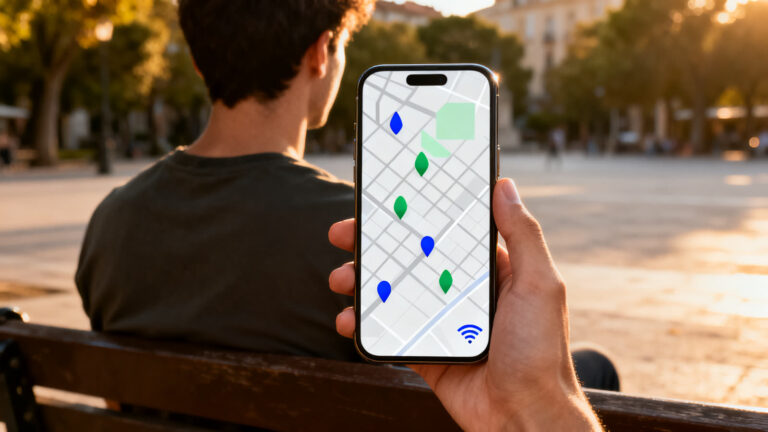
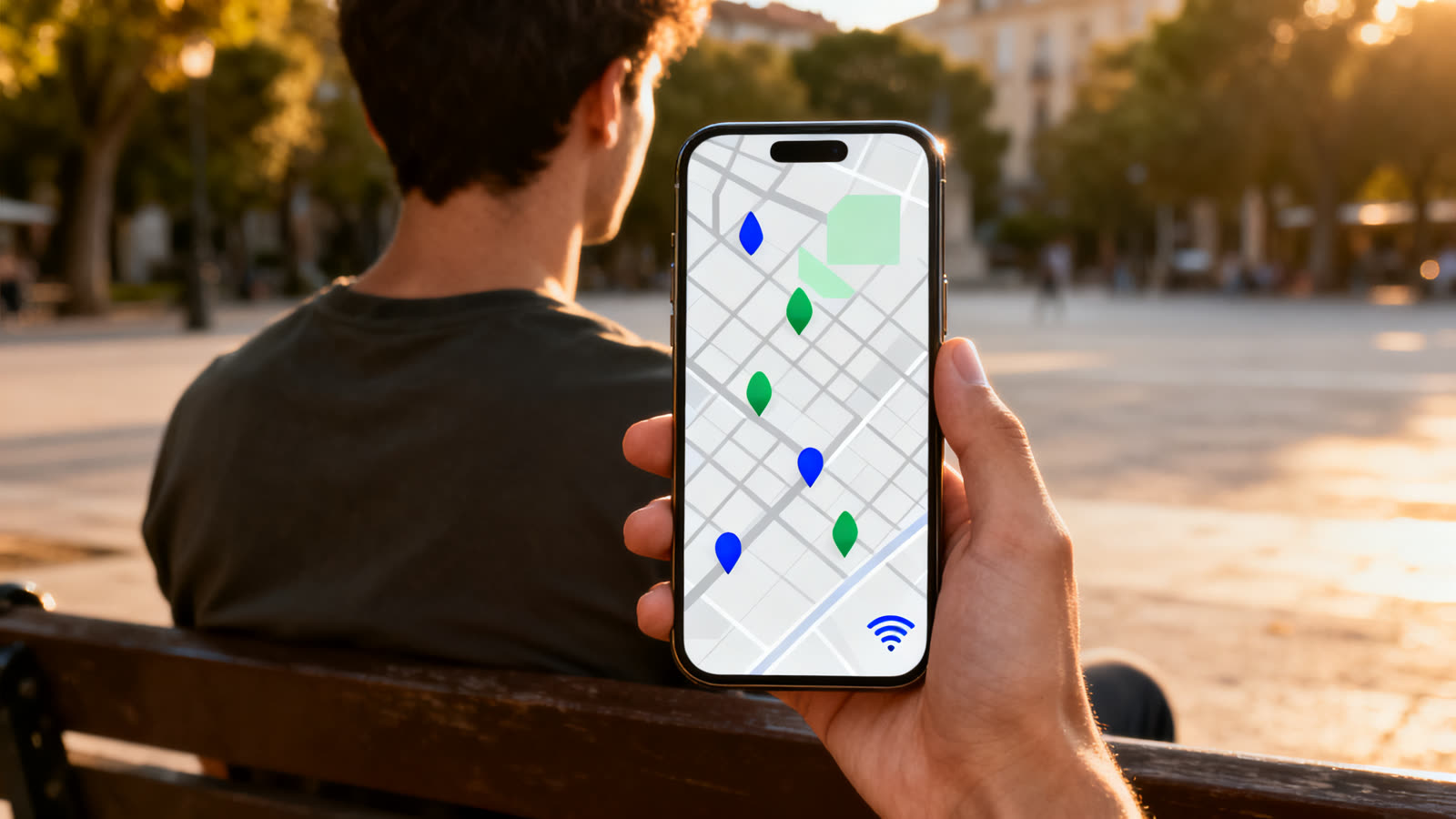
Just landed, roaming switched off, and you need a map, a ride and a message home? WiFi Map: Free WiFi Near You is built for that gap. It shows hotspots other people already found and pinned, with the password attached when someone shared it.
The hard part of staying online on a trip is rarely a lack of networks. Cafés, stations and hotel lobbies are full of them. The problem is knowing which ones are open to you, which ones work, and where they are.
This guide covers how the map is built, what it can still do with no signal, why a pin can be wrong, how to stay safe on a network you do not control, and whether café Wi-Fi is good enough for gaming.
6 min read
📋 What you’ll find here
- Three kinds of free Wi-Fi, and why it matters
- How WiFi Map builds its map
- What still works with no signal
- Set it up before you leave home
- Staying safe on a network you don’t control
- Is free Wi-Fi good enough for gaming?
Download it free 👇

Key Takeaways
- Every pin was added by a user, so a password can be out of date and a café can close.
- The app does not create networks or crack passwords. It only shows what its community has shared.
- Offline regions keep hotspot details on the phone, but you have to download them before you lose signal.
- It is free to download and shows ads; the App Store listing puts offline regions and ad removal in a subscription.
- On any network you do not own, leave banking and important logins for mobile data or a VPN.
- Public Wi-Fi handles chat and maps well; ranked matches and cloud gaming need something steadier.
Three kinds of free Wi-Fi, and why it matters
Free Wi-Fi on the road usually falls into one of three groups, and each behaves differently when you try to join it.
Open networks have no password at all. Portal networks, common in airports, hotels and malls, let you join and then show a sign-in page before anything loads. Shared networks have a password the venue gives its customers, like the code on a café receipt.
A hotspot map is most useful in that third group. The network exists, it is meant for the public, and the only things missing are the password and a way to find it.
Keep reading 👇
How a GPS speedometer app reads your speed ›
Identify an old coin from a photo ›
Learn crochet on your phone, step by step ›
How WiFi Map builds its map
WiFi Map is published by WiFi Map LLC and is listed under travel on both stores. The idea has barely changed since 2012: someone who connects at a spot adds the hotspot, with its password if it needs one, and everyone else sees the pin.
The help center is clear that it is not a hacking tool. It cracks nothing, and a network appears only after a user adds it, so a missing café simply means nobody has shared it yet.
That explains the uneven coverage. City centers and tourist areas are dense with pins, while a quiet suburb may show almost nothing. The listings put the total in the millions, but what counts is the handful around you.
Pins also age. Routers get replaced and passwords change, and the map only knows what the last visitor reported.
What still works with no signal
Finding a pin is half the job. The other half is getting there and knowing whether the connection is worth it, and that depends on what you saved before the trip. Saving a region is the key step, and the App Store listing puts downloadable regions in the subscription.
| Feature | Works with no signal? | Why it helps on a trip |
|---|---|---|
| Downloaded region map | Yes, if saved in advance | See nearby hotspots the moment you land |
| Hotspot details and passwords | Yes, if saved with the region | Join without asking at the counter |
| Restrooms and drinking fountains | Yes, on a downloaded map | Find the basics in an unfamiliar city |
| Speed test | No | Check the ping before a call or a match |
| New pins and password fixes | No | Refresh the region before you leave |
Set it up before you leave home
The most common mistake is installing the app after landing. With no connection it cannot fetch the map, and the map is the whole product.
- Install and open it on your home Wi-Fi, and allow location access so the map centers on you.
- Check what your plan includes before counting on offline use.
- Download every region on your route, and leave free storage for them.
- Once there, pick an area with several pins close together rather than crossing town for one.
- Get within about 100 feet (30 meters) of the hotspot, then join from the phone’s Wi-Fi settings.
Staying safe on a network you don’t control
A café hotspot solves the problem of being offline, but your traffic now passes through a router you know nothing about. That applies to the busiest pin on the map and to the most obscure one.
- Leave banking, shopping and password changes for mobile data, or use a VPN you trust.
- Look for HTTPS and the padlock in the browser before typing anything personal.
- Be wary of a network named almost like the venue’s. Lookalike hotspots are an old trick.
- Turn off file sharing, and let your laptop treat the network as public.
- If a sign-in page asks you to install something, leave that network.
A password on a map is not permission
Pins can include home networks, since adding a hotspot offers a Home WiFi option. A visible password does not mean the owner agreed to let you use it. Stick to cafés, stations, libraries and other places that offer Wi-Fi to the public or to their customers.
The app is also not a VPN. It points you to a network; it does not protect what travels over it.
Is free Wi-Fi good enough for gaming?
For messages, maps and a quick browse, yes. For anything competitive, usually not. A café network is shared by everyone in the room, and what ruins an online match is less raw speed than latency spikes when someone nearby starts a video call.
Cloud gaming is pickier still, because every frame is streamed and a hiccup shows up as blur or input lag. A console or handheld can also struggle with portal sign-in pages, and a full game download on a shared network is slow for you and rude to everyone else.
Run the app’s speed test first and look at the ping, not only the download speed. Keep ranked matches for a connection you trust, and treat hotel Wi-Fi as a bonus for casual play.
Cost, limits and how to download
Both listings are free to download. Google Play shows the ads and in-app purchases labels, and the App Store text describes a subscription that removes ads and adds features such as downloadable offline regions. What it covers can change, so read the listing on the day.
The app also sells eSIM data packages. That is a separate paid product, and you do not need it to use the Wi-Fi map.
Use the buttons on this page and check the developer name, WiFi Map LLC, before you install, because the category is full of lookalikes. On September 28, 2026, the App Store listing showed 4.6 with 32,154 ratings, and Google Play showed 4.3 with 3.03M reviews and more than 100 million downloads.
This article is informative and independent. We have no connection with the developer, and we are not responsible for how the app behaves, for the accuracy of any pin or password, for the availability or security of third-party networks, or for changes to what the subscription covers.
FAQ
Is the Wi-Fi on the map really free?
Free to join, but not always free of conditions. Many pins belong to cafés and restaurants that offer Wi-Fi to customers, and some sign-in pages ask for an email first. City-wide networks, which often charge, are not accepted on the map.
Why isn’t the Wi-Fi on my train or bus on the map?
The community rules block hotspots in moving vehicles, along with phone hotspots and restricted networks such as those in government buildings. They tend to be unstable or closed to the public, so the app keeps them off the map.
What does a gray pin mean?
It marks a hotspot nobody has connected to for a long time, or one with failed attempts or problem reports. If nobody revives it, it gets archived and hidden. When a password fails, use Report a problem on the hotspot page.
Can I unlock offline maps without paying?
The help center describes a points route for contributors. Adding a hotspot earns 150 points, a speed test 25, and unlimited offline maps unlock at 2,000. That takes real effort, and the rules can change, so check the app before you count on it.
Can I add a hotspot I found?
Yes, while you are connected to it: tap the plus button, choose public or home Wi-Fi, set the location and add the password if there is one. Share only networks you are entitled to share, like your own or a venue’s customer Wi-Fi.
